The app provides a real-time reverb audio effect with a 32-bit DSP engine. It allows users to adjust numerous parameters for diverse sounds and includes built-in resonant filters.
by Kymatica AB★ 4.828 ratingsMusic$4.99Data updated 2026-10-16
Record and edit audio tracks with multi-touch controls. Mix and arrange audio files using a virtual mixer. Save and share projects directly. Access advanced features with compatible hardware.
Create and manipulate sounds using additive synthesis. Adjust sine wave parameters to shape timbres. Layer multiple partials to build complex tones. Save and export custom sound designs. Import and export audio files for further processing.
Create and save progressions with visual feedback. Trigger chords via MIDI footswitch. Sync progressions with other apps. Learn relationships and scales. Play chords on an on-screen piano keyboard. Use pads to organize and access saved chords.
Edit audio recordings with automatic volume normalization and sound enhancement. Adjust equalizer settings or use presets. Create AI videos and reels from audio files. Export in multiple formats and share directly.
Edit audio with spectral delay effects using up to 2048 delay lines and brick-wall filters. Manipulate frequency domain data through short time Fourier transform analysis. Adjust time and feedback shapes for stereo channels via multi-sliders.
The app provides real-time audio effects including bitcrush, delay, and gain. It functions as a looper and sampler, allowing users to record and manipulate audio from various input sources.
Import audio files and extract samples using automatic transient detection or manual markers. Play slices with MIDI controllers or built-in pads. Adjust parameters like reverse, level, attack, and release. Sync with AU hosts for automation.
Offers groove presets and custom beat creation. Play along with favorite songs via InterApp, Audiobus, Core MIDI, and clock MIDI. Share patterns through iTunes file sharing or Audio Copy. Features a realistic analog interface for vintage enthusiasts.
Create and arrange musical sequences using multiple playheads. Manipulate melody speed, direction, and pitch. Apply Baroque and Serialism composition techniques. Export and share projects in audio format.
Record and manage audio loops with adjustable length and auto-record features. Control loops via MIDI foot controller or onscreen buttons. Enable count-in and auto-close loops without manual input. Sync with MIDI devices for hands-free performance.
Play and customize high-quality piano SoundFonts. Import and edit SoundFonts with built-in synthesizer tools. Apply professional effects to enhance sound. Save and share modified SoundFonts.
The app provides studio quality reverb for AUv3 compatible hosts, Audiobus, and Inter-app audio. It simulates acoustic properties using impulse responses and classical algorithms for clarity and sense of space.
Allows users to create and modulate audio effects by shaping a graph to control filter cutoff, resonance, amplitude, and mix. Parameters can be modulated with sliders.
Create and manipulate sound using synthesis techniques. Adjust grain size, pitch, and playback speed. Import audio files and layer multiple sounds. Export edited audio in various formats. Share creations directly or save for later use.
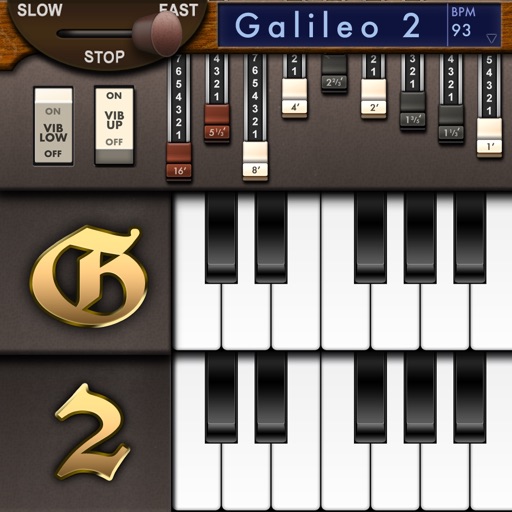
Create and customize sounds with 17 different types. Configure three manuals independently. Use scanner vibrato and chorus effects. Simulate rotary cabinets and tube amplifiers. Access AUv3 plugin for integration.
The app provides digital audio workstation capabilities for creating music. It supports up to 32 audio tracks for recording and mixing, with options for importing and exporting various audio file types.