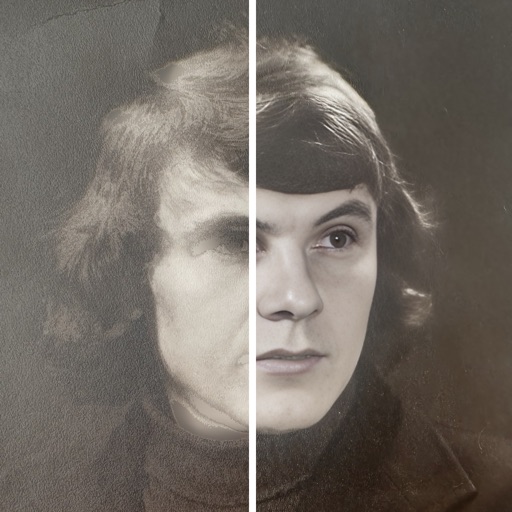
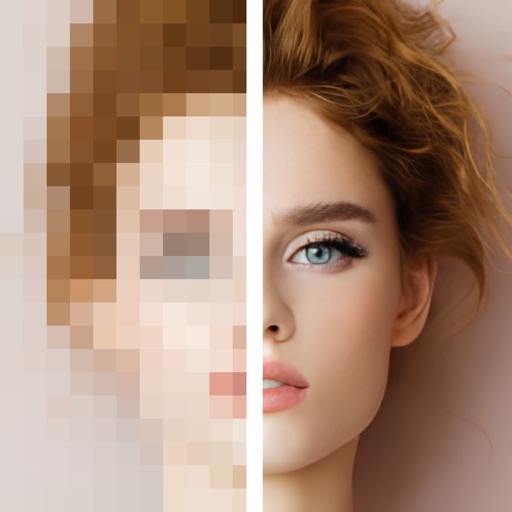
Uses AI to repair damaged photos by removing scratches, tears, and fading. It automatically enhances image quality and colorizes black-and-white photos. Users can and share edited images directly.
Remove backgrounds or objects using AI by adding a and tapping "remove." Adjust the new background to a custom color, white, another image, a gradient, or a preset. Add text, shapes, and photos to the edited image.
Unwanted objects from photos using AI detection. Highlight elements to eliminate and let the blend the background seamlessly. Edit images by adjusting brightness, contrast, and color. Save and share edited photos directly.
Edit photos with AI upscaling to enhance clarity and detail. Adjust resolution and add textures. Process images quickly for instant results. Access intuitive tools for straightforward editing. Export enhanced photos directly.
Edit photos using AI-powered transformations and ultra-realistic enhancements. Adjust lighting, colors, and details automatically. Remove objects or edit backgrounds with AI. Export edited images in various formats and share directly.
Images to 4K resolution using AI-powered technology. Apply enhancements to improve clarity and detail. Edit and save upscaled images directly. No cost for all features. Simple interface for easy use.
AI allows users to enhance photos using AI technology. Adjust skin tone, remove blemishes, and generate new poses and backgrounds. Edit portraits and headshots with dynamic AI features. Export edited images in high quality.
Compress photos and images to file . Adjust compression rate to control image quality. Save and share compressed files directly. View filename, resolution, creation date, and file details.
Create AI images and videos using text prompts. Design virtual influencers with custom avatars. Generate product visuals for marketing and content creation. Edit and export AI-generated media for social media and e-commerce.
Capture and edit official ID photos professionally
Create professional-quality photos for passports, visas, and ID cards. Use guided cropping to adjust size and alignment to international standards. Edit backgrounds to achieve a clean look.
Edit photos with text layers, borders, matting, rounded corners, 3D bevels, and shadows. Adjust cropping ratios and apply internal and external shadows. Share edited photos directly to social media.