Edit and print images, PDF documents, and labels with customizable quantities and orientations. Adjust print settings and preview layouts before printing.
by 震 张★ 0.00 ratingsUtilitiesFreeData updated 2026-09-06
Create collages by combining multiple photos into layouts. Choose from 50+ grid styles and tree or 3D modes. Edit photos with cropping, filters, and text addition. Share finished collages directly.
Manage attendee check-in for in-person and hybrid with badge printing and session tracking. Staff check-in areas and customize workflows. Monitor real-time attendance and manage session participation. Export check-in data and generate reports.
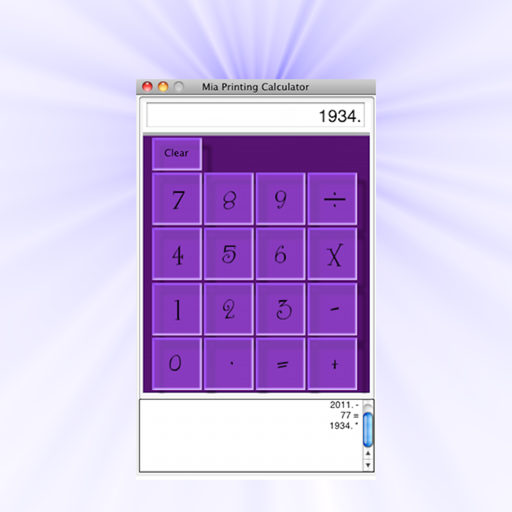
The app emulates printing calculators and offers a normal mode. Users can select from 15 themes, save a default theme, and print output tapes or screens to PDF.
Create professional resumes and cover letters using 38 templates designed to meet employer standards. Edit and rearrange sections, adjust margins and style, and add photos or signatures. Preview documents before exporting.
Add photos to the screen as widgets. Import images, organize them in folders, create and customize widgets with selected photos. Edit names and choose visibility settings.
Edit photos with body transformation tools, one-touch filters, and cropping. Apply mosaic and blur effects to background. Add vignette. Adjust and share edited images directly.
Edit photos with , effects, focus, frames, stickers, and text. Crop, adjust orientation, enhance images with Hi-Def, Scenery, Food, Portrait, or Night modes. Apply stylized , add stickers and overlays, and remove red eye or blemishes.
Convert images to text with OCR, supporting PDF, documents, and photos. Batch process multiple images for efficient recognition. Edit, copy, or export results in TXT or PDF. Translate into 119 languages and read aloud.
Convert documents between formats such as Word to PDF, PDF to Word, Excel to PDF, and more. Save files as images, text, or Autocad. Edit and export converted files directly.
Runs fullscreen as an embedded browser, capturing swipe and scan data from compatible scanners. It converts input into HTML events and offers a JavaScript API for printing. Supports Linea Pro, KOAMTAC, and Zebra mobile printers.
Convert images and documents to PDF with one tap. Edit and annotate PDFs. Batch convert multiple files. Maintain original quality during conversion. Share converted files directly.
Edit photos to slim the waist, shape the butt, tone arms, adjust thighs, increase bust size, and enhance skin tone. Remove blemishes and refine skin texture. Access in- tutorials for guidance. Export edited images in various formats.
, photos, and videos instantly between devices. Send and receive PDF documents securely. Transfer data quickly with a simple interface. Support AirDrop for receiving .
Convert documents to PDF format. Access the via "Open In..." menu in compatible apps like Mail and Safari. Save and share converted files directly. Create PDFs from various document types.
Allows users to from iPhone or iPad to any WiFi-connected printer or Mac. It supports non-AirPrint printers and offers reliable printing without test images. Users can preview and send jobs directly from their device.
Allows users to photos using AI to separate subjects from backgrounds. Apply motion or censor sensitive areas. Adjust intensity and export edited images.
Convert paper documents and images to PDF or JPG formats. Use OCR to recognize text automatically. Save files in multiple formats including PDF and JPEG. books, receipts, notes, and business cards in high quality.
View and open documents in formats like Word, Excel, PowerPoint, PDF, TXT, ZIP, RAR, and RTF. Support for viewing and basic navigation within files. No editing features included.
Edit photos with character filters and custom uploads. Apply visual effects to create fighter images. Save, share, and collect edited photos. Access additional features with a subscription.
Edit images by reshaping faces and parts. Adjust nose size, lips, chins, and facial contours. Simulate weight loss or muscle enhancement. Modify any feature with drag-and-expand tools. Save and share altered images directly.