The app presents an 8-channel 16-step sequencer. Selecting a step triggers its movement to a new position, and additional buttons modify the grid for new creative processes.
by Johan Halin★ 4.25 ratingsMusicFreeData updated 2026-10-16
The app is a multi-purpose stereo shaping tool for Audiobus and Inter-app Audio. It allows users to create wide stereo images, process mono sound sources, and apply mid/side processing with independent filters per channel.
Explore through mathematical concepts. Calculate note frequencies using the 12th root of 2. Visualize octaves and intervals with ratio comparisons. Adjust semitones to see frequency changes. Link musical notes to their corresponding frequencies.
Allows users to trigger sounds with customizable pads and single taps. Hold-to-play enables temporary effects. Users can create unlimited soundboards for different events. Professional scene automation supports multi-layered audio setups.
Select songs, albums, or genres randomly to discover new . Use intuitive controls to set preferences and explore your collection without manual selection. Skip tracks effortlessly and enjoy curated listening experiences based on personal choices.
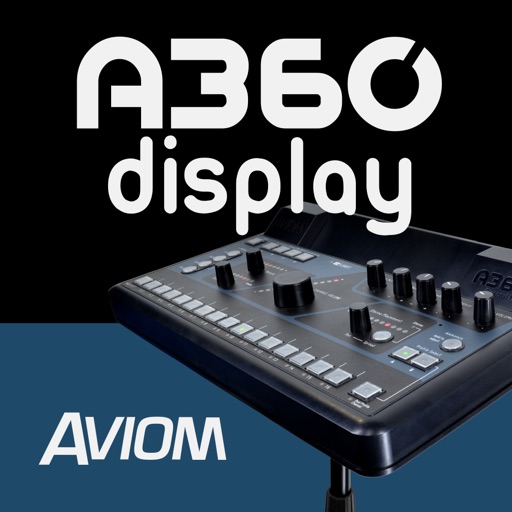
The app expands the Aviom A360 user interface with a graphical view of every channel in the mix. It shows real-time metering, volume levels, stereo placement, tone, reverb, and channel names for each mix channel.
Control audio output with equalizer presets for customized sound settings. Add sound effects or personal audio via the sound pad. Use the water eject tool to remove water from speakers or AirPods.