Allows children to create art using finger slides and clicks. It includes stick figures, , and coloring features. Users can explore art materials, cartoons, and comics.
Create drawings using realistic crayon and marker pen tools. Listen to drawing sounds. Navigate with an intuitive interface. Access eight free coloring pages for practice. Explore related drawing apps for different mediums.
Create pixel art sprites with drawing tools and a powerful engine. Open and edit pixel art files from Files. Use iCloud Drive for cloud storage. Support Apple for precise input. Import and customize color palettes.
Generate drawing instantly for creative . Customize challenges by adding specific elements. Lock in for focused practice sessions. Receive daily inspiration to maintain consistent artistic practice.
Learn with interactive quizzes to test knowledge and track progress. Explore full character lists with examples and tips. Practice writing by drawing characters and following stroke guides.
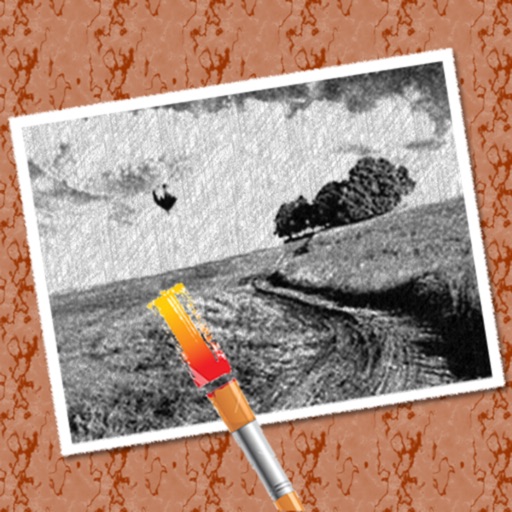
The app converts photos into pencil sketches for coloring. Users can import pictures from photo albums, the camera, or Flickr, and color them using touch controls.