Apps Like Widgets for Obsidian for iPhone and iPad
Access your Vault from home screen
Access your note-taking Vault directly from the home screen via . Create quick notes without waiting for sync. Customize note destinations to automate workflows like adding to daily notes or timestamping entries.
by JOSCHUA GLAU★ 4.541 ratingsProductivityFreeData updated 2026-09-06
Track work schedules and free days with customizable shift schemes. Set start dates and add day notes. View weekly roster via a widget on Today View. Manage shift details and receive reminders.
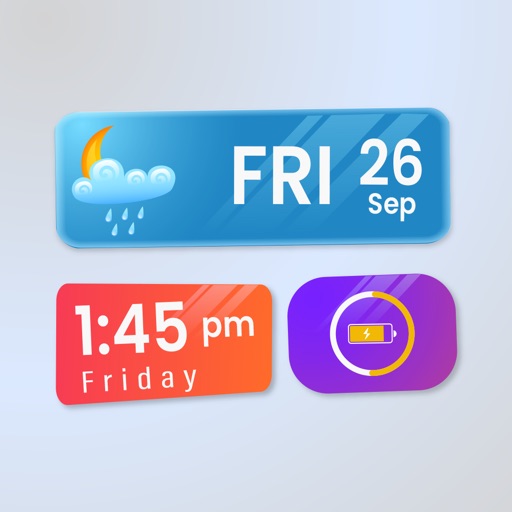
Customize home screen and mode with animated and photo albums. Add interactive charging prompts and personalize widget layouts. Sync with iOS17 and iOS16 for enhanced display options.
Perform calculations directly from the home screen or control center. Use an interactive to add, subtract, multiply, and divide. Access basic and advanced functions without opening a separate .
Open websites, apps, and run shortcuts from the Lock Screen. Add unlimited widgets with customizable icons and alignment. Include spacer widgets for precise layout control.
Widget King allows users to add dynamic to their home screen. Choose from sporty, racing car, cliff, bridge view, and aesthetic . come in three sizes. Users can customize and arrange on their iOS 14 home screen.
Allows real-time chat with AI models via server connection. Users can select models, search and manage conversations. Voice input and file/image uploads support RAG. Voice calling uses on-device processing.
Customize home screen with interactive , themes, and wallpapers. Access sliding puzzles, matching games, and tic-tac-toe directly on the home screen. Choose from a variety of wallpapers and themes including kittens, rainbows, pastels, and patterns.
Manage multiple nested lists with multiline titles and notes. Set priorities, due dates, and repeating schedules. Check, uncheck, or delete items individually or in bulk. Access help tips and view icon badge numbers.
Organize with unlimited folders, custom colors, and sorting. Add handwritten , links, and multiple photos. Set reminders, track character counts, and pin important folders. Delete folders in batches and view note counts in folder lists.
Allows users to add frequently used apps to customizable widgets. It offers custom wallpapers to integrate with the device's interface. Users can launch apps directly from the home screen.
Customize home screen with stylish . and create personalized by changing backgrounds, colors, and fonts. Setup with detailed instructions. Offers 3-day free trial with full access. Subscription required for continued use.
Create interactive with two taps. Customize colors and elements to design your own. Launch iOS apps by tapping elements. Compatible with iOS 17 or later.
Create and manage notes with a home screen for quick access. Add text, images, and voice memos. Set reminders and organize notes into folders. Sync across devices and share notes via links.
Customize Home Screen with and . Browse 20 theme categories for styles like Neon or Luxury. Preview on Home Screen before applying. Create custom by adding frames or photos. Apply and to personalize device appearance.
Customize home screen with widgets for native iOS apps. Choose from themed templates or create custom designs. Add widgets to home screen quickly. Modify layouts and styles for personalization. Sync with iOS 14+ operating system.