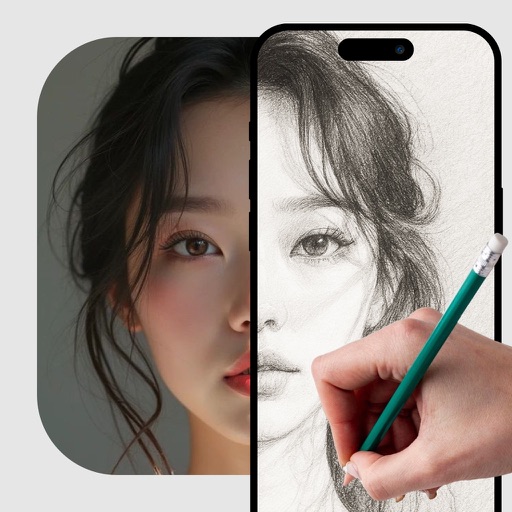
Edit photos with diffusion and blending tools to create optical illusions. Adjust intensity and layer settings for customized effects. Export edited images in various formats and share directly.
Use AR to objects in real-time and create sketches. over traced images with customizable brushes. Save and share artwork. Adjust colors and line thickness. Export drawings in various formats.
The app allows users to design professional logos using various tools. It supports exporting logos for online and print use, offering flexibility for branding and marketing needs.
Create mandalas with customizable symmetry and brushes
Create intricate mandalas by adjusting canvas symmetry, background color, and brush settings. Use predefined patterns or images for drawing. Apply shadows and customize center points. Save and share completed designs.
The app provides tools for drawing, coloring, and editing pictures. Users can create digital sketches, add text, and use realistic brushes for various effects.
Draw and sketch with pen, eraser, or lasso tools. Adjust pen thickness and color. Change canvas background color. Zoom and pan the canvas. Save and share drawings in one step.
Generate AI art by inputting text descriptions and selecting art styles like oil or sketch. Create unique fantasy images in seconds. Access pre-designed templates for inspiration. Export and share generated artwork.
Use camera to project image outlines onto paper for tracing. Choose images from gallery or collection. Follow lines to practice sketching. Suitable for beginners, artists, and students. Improve hand-eye coordination.