Visualize camera setups with simulated lenses and sensors. Adjust exposure compensation and focus lock. Confirm focus with an AF beep. Access a quick control screen for settings. Explore compositions without physically setting up the camera.
Edit photos with retro filters, aesthetic effects, and a free retouch pro plugin. Apply magic presets and dazzling effects. Adjust colors for portraits, influencer shots, film, black and white, nature, urban, and travel photos.
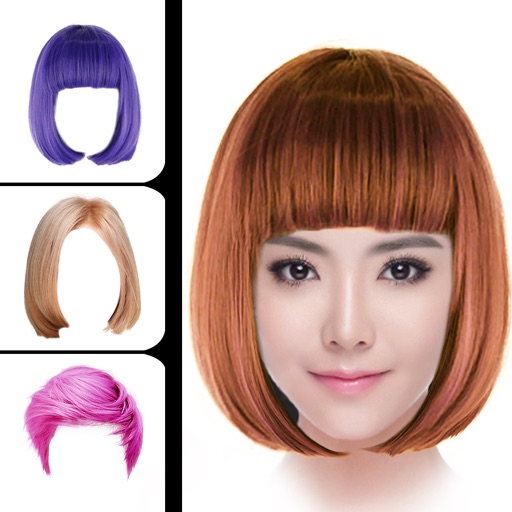
Change hair style using smart face recognition to automatically match hairstyles. Dye hair by selecting colors and applying them directly to the hair. Export styled results for viewing or sharing.
The app allows users to blur unwanted areas of photos before sharing. It offers features like trimming, zooming up to 20 times, and adjustable blur strength.
Take selfies with camera filters. Select from professionally designed effects. Save and share photos directly. Includes self-timer for timed shots. Optimized for self-portrait photography.
Combine photos into framed and captioned layouts. Add text and filters to enhance visuals. Share directly to Instagram. Arrange images with creative and decorative effects.
Watch videos in -in- mode while browsing or with the screen locked. Pause and resume playback. Download videos for offline viewing. Share videos via Safari share sheet.
Select photos from gallery or photo library. Choose from numerous PIP frames. Use single image for both foreground and background or different images for each. Edit foreground and background separately. Apply photo filters.
Uses AI to repair damaged photos by removing scratches, tears, and fading. It automatically enhances image quality and colorizes black-and-white photos. Users can and share edited images directly.
The app allows users to edit photographs by adjusting brightness, tint, and balance. Users can apply filters such as Sepia, Colorize, Wave, Watercolor, and Color Reduction to create collages and greeting cards.
Edit photos with brightness, saturation, and contrast adjustments. Add text, stickers, and memes. Crop, rotate, and straighten images. Apply effects and frames. Sharpen or blur photos. Import images from the camera roll. Fix red tones.