Apps Like AD 480 basic - Studio Reverb for iPhone and iPad
Pro quality studio reverb effect.
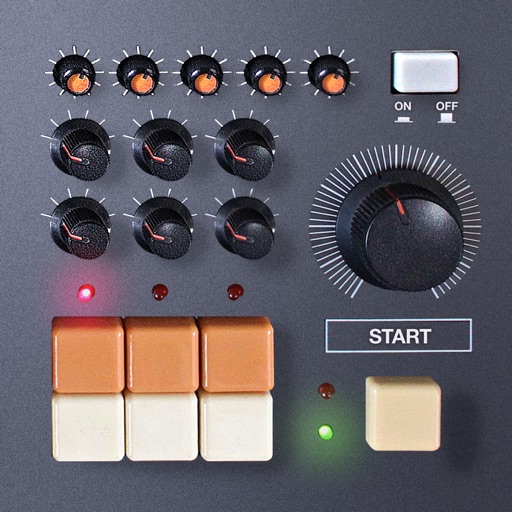
The app provides a professional studio reverb effect with variable room size and acoustic spaces. It supports Audiobus, Inter-app Audio, and external audio interfaces for extensive sound shaping.
by Thomas Fiedler★ 2.33 ratingsMusic$3.99Data updated 2026-10-16
Edit audio files by cropping, cutting, and pasting segments. Apply effects like pitch adjustment, speed control, and delay. Record audio directly or import from the device library. Save and share edited files in various formats.
Memos and audio clips with adjustable quality and unlimited length. Save in MP3, WAV, or MP4 formats. Export and import files to Google Drive and Dropbox. Convert between supported audio formats.
Create and customize rhythms with three drummers offering modern, classic, and contemporary styles. Export multi-track or full mix audio via MIDI. Access over 60 bass lines in iBassist. Adjust delay and reverb effects for sound shaping.
Create and edit music with a variety of tools. Trigger pads in live mode. Adjust effects in dedicated mode. Arrange samples in sequences, takes, and groups. Record via microphone. Generate samples using AI. Add fade-in and fade-out regions.
Create immersive soundscapes by adjusting Size and Overdrive for rich reverb and distortion. Morph between soft-clipping and hard-ripping overdrive. Use Wobble for eerie effects and Ribbon for precise control.
Explore a collection of ambient soundscapes and instrumental tracks. Adjust playback speed and volume. Save favorite tracks to a personal library. Share music via social media or messaging apps.
Create and manipulate sound with three independent synthesizers. Adjust pitch from 8–20,000 Hz. Slide or snap notes to scales with customizable glide rates. Set and edit individual notes for precise musical control.
Create musical sketches and chiptunes using a pattern-based sequencer and high-quality sampler. Record sounds from microphone or line-in. Export in WAV or XM formats. Import and export audio files. Support MIDI keyboard input.
Create and manipulate sounds using virtual analog modules. Adjust oscillators, filters, and envelopes. Route signals through effects like reverb and delay. Save and load presets. Export audio files and share via social media or email.
Create beats using a drum machine with over 1000 curated sounds organized by frequency and length. Edit grooves in banks like Hip Hop, Trap, and AfroBeats. Adjust rhythms and export projects for use in music production.
Create and customize kits with 154 options including 42 classic and 112 original electronic kits. Adjust sounds, velocities, and effects. Record and playback performances. Sync with MIDI devices and control via touch or pads.