Find chord diagrams for guitar, ukulele, and mandolin. Enter chord names to view different voicings or adjust diagrams to identify new chords. Hear how each chord sounds. Supports alternate tunings.
A dictionary for identifies symbols based on finger positions. Set finger placements to retrieve names. Includes reverse lookup for symbols to finger positions.
Learn intervals, scales, chords, and cadences through audio playback. Practice recognition with melodic or harmonic patterns. Set personal goals and track progress over time. Receive instant feedback on accuracy.
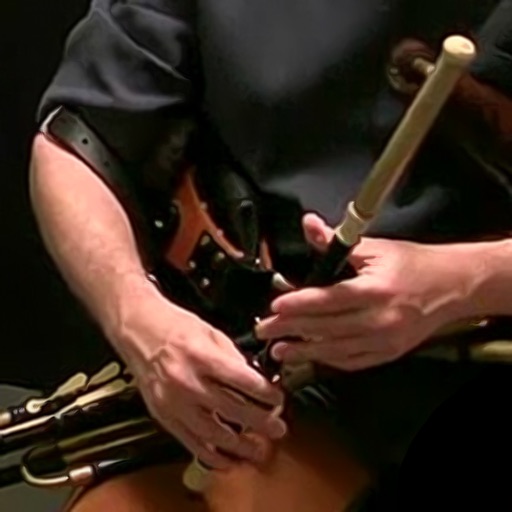
Play traditional with realistic sound and responsive controls. Adjust tuning across D, C#, C, B, and Bb. Emulate chanter, drones, and regulators. Use hardware MIDI input for演奏. Set and adjust tuning within +/- 50 cents.
Practice drumming with real high-quality sounds. Select and customize sounds with long press. Adjust positions for different playing styles. Use simple pads with no delay. Choose from abundant color options.
Explore through mathematical concepts. Calculate note frequencies using the 12th root of 2. Visualize octaves and intervals with ratio comparisons. Adjust semitones to see frequency changes. Link musical notes to their corresponding frequencies.
The app arranges notes to make music easy to play. Children can enjoy playing harmonious guitar sound combinations and follow marked note sequences for nursery rhymes and lullabies.
Learn to play the with interactive lessons and real-time feedback. Practice scales, etudes, and repertoire. Adjust pitch and tone with visual indicators. Sync with a virtual instrument for instant playback and recording.
Learn with interactive charts and visual guides. Practice modes include exercises and progress tracking. Customize settings for tempo and difficulty. Export practice sessions and share progress with others.
Play and simulate the instrument with realistic sound and vibration effects. Access 10 Arabic and music scales including ALSABA, NAHAVAND, and HEJAZ. Use finger movement to control string vibrations. Select rhythms and chords for each scale.
Connect your Techno or neo to play music. Choose from various instrument sounds and built-in rhythms. Adjust settings to customize sound. Access controls through a simple, intuitive interface. Jam along with pre-set beats or create custom tracks.
Create and customize MIDI sequences with scale selection, complexity settings, and step controls. Generate random patterns and melodies. Adjust pitch, transpose, and set playback motion. Export patterns or use Infinity mode for continuous generation.
Or through structured including scales, arpeggios, chords, and warm-up . routines to improve technique. View interactive displays and animated musical scores. Play along with highlighted notes and receive visual feedback.