Edit and enhance grayscale photos with 20 predefined presets and custom adjustments. Apply vignette effects and modify color channels. Save personalized presets. View and share monochrome images directly.
Edit photos with filters, cropping, and adjustments. Create stop-motion and time-lapse videos. Add special effects to individual images. Export edited photos and videos. Share directly from the .
The app decodes pictures with encoded sound and creates user codes from microphone recordings. It plays codes in real-time with hand-controlled speed and direction, and codes can be drawn by hand for unusual sounds.
Create personal time-lapse videos by capturing and adjusting photos. Set reminders, change order and timings, and preview FaceSlides anytime. Choose from seven camera overlays or import multiple photos. Watch videos on Apple Watch.
The app offers manual and automatic modes for adjusting shutter speed and exposure. It includes a light trail mode for creative effects and a self-timer for capturing shots.
The app turns an iPhone or iPad into a wireless disk for sharing files and photos over a network. Users can access files from any web browser and manage them directly on their device.
The app lifts shadows, balances exposure, and recovers detail to create clearer, more luminous photos. It offers a live split preview, curated presets, and precise controls for adjusting effect strength.
Remove unwanted objects or people from photos and videos by painting them and tapping "erase." Edit images to eliminate pimples or blemishes. Save and share edited content directly.
Capture lightning strikes in real-time using iPhone or iPad. Adjust ISO settings manually or use full auto mode. Switch between day and night modes automatically. Preview and save high-quality photos directly. Share images via social media or email.
Organize and select photos by identifying similar images. Filter duplicates from burst shots, multiple moments, or travel sessions. Choose which photos to keep based on similarity analysis. Sync with iPhone camera roll.
Create projects, add members, and share configurations
Create projects and manage members. Add or remove slides and preview each. Switch background images and clone projects. Share configurations as images or PDFs.
The app allows users to draw directly onto their camera lens or photos. Users can add captions, stickers, and doodle on images before saving and sharing them.
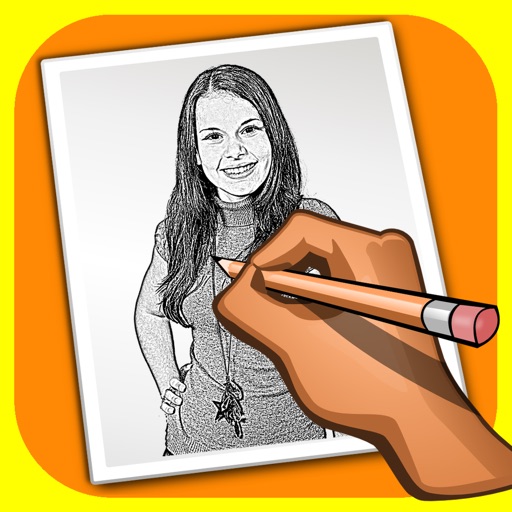
The app transforms user photos into pencil drawings with a sketch shine effect. Users can apply this filter to images captured with the device's camera.