Apps Like Popdot (Halftone Effect) for iPhone and iPad
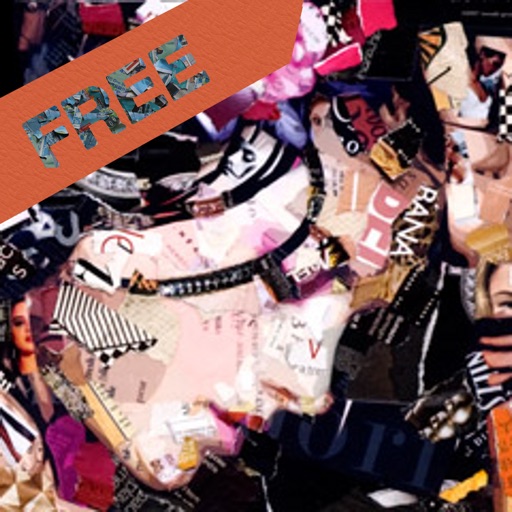
Convert photos into comic book art.
The app converts user photos into comic-book style illustrations or dot art using image effects. It offers an easy-to-use interface and allows sharing to various platforms.
by nedis★ 2.73 ratingsPhoto & VideoFreeData updated 2026-10-15
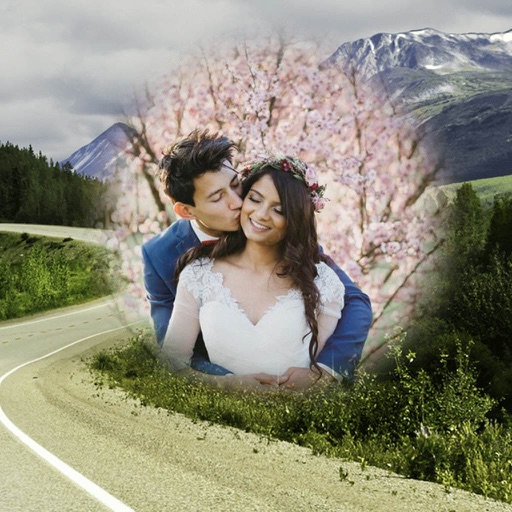
Decorate photos with customizable and effects. Choose images from the gallery or capture new ones. Adjust position, size, and angle. Save, share, or upload photos to social media platforms.
Decorate photos with customizable and effects. Choose images from the gallery or capture new ones. Adjust position, size, and angle. Save, share, or upload edited photos to social media platforms.
Create images using AI models with text prompts. Generate photorealistic portraits and anime-style visuals. Edit and refine generated art. Save and share finished artwork directly.
Convert videos and GIFs into Photos with one tap. Edit animations directly on the device without uploads or internet. Add motion effects and customize transitions. Share Photos directly from the . Control privacy by keeping all data local and secure.
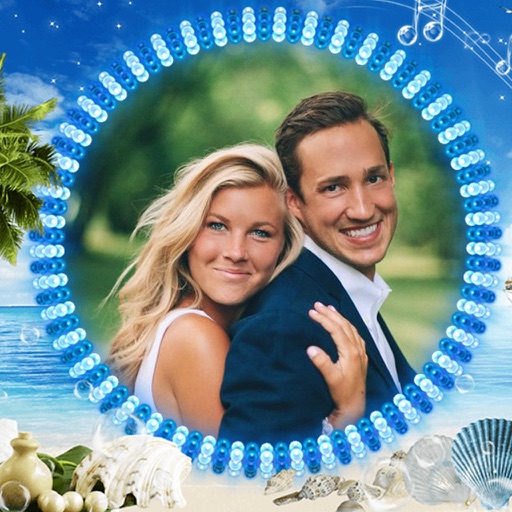
The app allows users to combine multiple photos into framed images. Users can select frames, apply filters, and adjust frame colors or patterns before sharing their creations.
Edit photos to create color splash or color pop effects. Select specific areas to color while keeping the rest and . Adjust color intensity and apply artistic filters. Share edited images directly.
Edit photos and screenshots with background customization using 52 gradients. Adjust colors, add text, and apply effects. Export in various formats and share directly.
Edit photos with 25 creative effects including vintage sepia and futuristic chrome. Preview effects in real-time on your face. Remove backgrounds using AI technology. Tap effects to enter fullscreen mode. Use a 3-second countdown for timed shots.
The app divides photos into colors and applies effects to selected colors. Users can turn photos into posters, pencil portraits, or comics with one tap.
Turn selfies into AI-generated avatars, cartoons, and artistic portraits. Edit and enhance images with AI tools. Save and share created artworks. Apply various art styles and effects. Export in multiple formats.
Edit photos by selecting from the gallery or capturing with the camera. Apply multiple and effects. Adjust position, size, and angle. Save, share, or upload images to social media platforms like Facebook, Twitter, or email.
Edit photos by selecting from the gallery or using the camera. Apply various frames and effects. Adjust position, size, and angle of images. Save, share, or upload photos to social networks like Facebook and Twitter.
Apply woodcut style filters to facial photos for artistic portraits. Use cartoon, watercolor, and mosaic filters for creative effects. Save or share edited photos directly.
Post full-size photos to Instagram without cropping. Adjust orientation, scale, and flip images. Apply filters, add borders, frames, stickers, and text. Customize backgrounds with blur, shapes, and shadows.
Edit photos by selecting from the gallery or capturing with the camera. Apply multiple and effects. Adjust image position, size, and angle. Save, share, or upload photos to social networks like Facebook and Twitter.