Apps Like Popdot (Halftone Effect) for iPhone and iPad
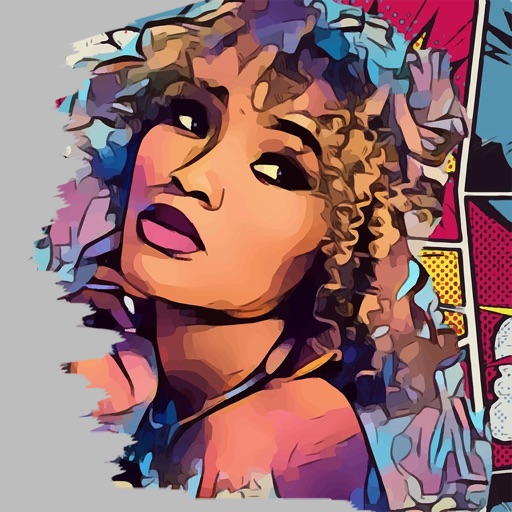
Convert photos into comic book art.
The app converts user photos into comic-book style illustrations or dot art using image effects. It offers an easy-to-use interface and allows sharing to various platforms.
by nedis★ 2.73 ratingsPhoto & VideoFreeData updated 2026-10-15
Convert photos into -style artwork using AI technology. Adjust style settings and apply filters. Save or share the edited images. Create avatars from photos. Export in various image formats.
The app allows users to apply galaxy effects to photos, creating unique pictures quickly. Users can adjust the photo effect opacity and share their creations to social media platforms.
Create art frames by combining images and adjusting positions with zoom, rotate, and move tools. Add 100 stickers and custom text. Choose from four output resolutions. Share images via Facebook, Twitter, Instagram, or email.
Create photos and videos without cropping for social media. Adjust background with blur, patterns, gradients, and colors. Apply filters, effects, and add image stickers. Support various social media aspect ratios.
Edit photos with filters, backgrounds, patterns, textures, frames, and stickers. images to format. Access photos from the gallery or capture new ones with the camera. Apply creative tools to enhance and style images. Share edited photos directly.
Create collages by combining up to 9 photos. Select from 200+ templates and customize them. Adjust borders and corners. Apply 29 filter effects. Add watermarks to protect photos. Use 3D Touch for enhanced interaction.
Edit photos with selective desaturation, recoloring, and color layer adjustments. Apply AI-driven auto brushes for intelligent color detection and manual brushes for detailed edits. Pan and zoom to refine edits.
Remove similar color backgrounds from images and save transparent versions to the camera roll. Erase using finger or wand tools. Zoom and rotate with two fingers. Crop photos and share to other apps.
The app transforms user faces into various scary Vampire, Demon, and Zombie designs. Users can adjust effects on-the-fly and use finger gestures to rotate and resize them.
Apply filters inspired by real color film prints to photos and videos. Adjust colors pixel by pixel for realistic results. Save images in high resolution without quality loss. Compatible with editing software like Premiere Pro and Photoshop.
Apply effects to photos and videos by inverting colors. Adjust brightness and contrast. Save edited media to gallery. Share directly from . Draw on images to customize effects.
Edit photos with stickers, filters, and effects. Add text and manga-style elements. Create collages and share directly. Adjust brightness and contrast. Save and export in various formats.