Apps Like MaxiCalc Free: Big Retro LCD Basic Desk Calculator for iPhone and iPad
A powerful calculator for all needs.
The app offers two modes: portrait for basic calculations and landscape for scientific functions. Users can track entries with multiple tapes and use memory slots for complex calculations.
by Fernando Sciessere★ 4.7161 ratingsUtilitiesFreeData updated 2026-10-15
Perform complex calculations using 12 built-in calculators including scientific, financial, and unit conversion tools. Input formulas with three modes: standard, string, and RPN.
Perform complex calculations with root, power, trigonometric, and logarithmic functions. Calculate factorials and double factorials. Draw graphs, use four memory blocks, insert constants, and make notes.
Perform basic and calculations including trigonometric and inverse trigonometric functions. Use mathematical functions like absolute value, ceiling, floor, and rounding. Modify calculations in real time by clicking steps.
Simulate the HP-34C calculator with photo-realistic graphics. Perform integration and root finding calculations. Access extended functions and improved speed. Navigate using on-screen buttons and keyboard input. Save and recall values.
Measure distances by drawing routes on the map and calculating their length. Use a magnifier tool for precise line drawing. Switch between Move and Measure modes to set starting points or begin measurements immediately.
Perform complex calculations with functions including trigonometry, hyperbolic operations, and logarithms. Use memory functions, angle modes, and constants like π and e. Evaluate expressions with parentheses and view calculation history.
Perform calculations with a freeform canvas and responsive results. Link numbers for instant updates. Calculate tips and discounts. View full history with clear formatting. Adjust settings for precision and layout.
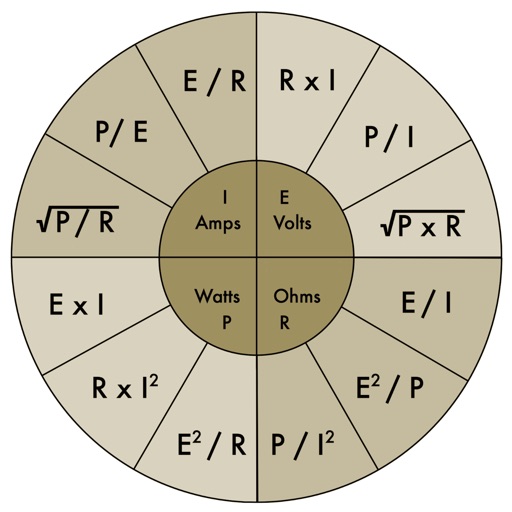
The app provides an electronic pocket reference guide for electrical professionals. It includes sections on motors, wiring, ampacities, grounding, voltage drop, conduit bending, tools, and safety.
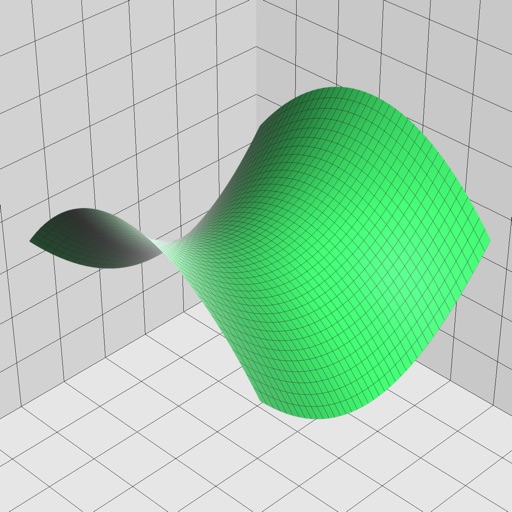
Enter and edit equations in mathematical notation. Visualize 2D and 3D graphs of explicit, implicit, and inequality equations. Adjust settings for display and analysis. Save and share calculations.
Write calculations directly on the screen for real-time results. Edit equations with gestures or add elements anywhere. Drag and drop previous results for reuse. Supports interactive ink for natural handwriting input.
The app provides real-time calculation results as users type, allowing them to see and edit the entire calculation at any position. It supports calculations of almost any length with an unlimited undo and redo feature.
Perform complex number calculations and trigonometric functions. Handle matrix operations and numerical root finding. Calculate integrals and statistical values including linear regression. Write and execute custom programs. No ads or in- purchases.
Perform complex calculations with scientific, engineering, and hexadecimal modes. Use RPN and multi-line display. Convert units and access constants. Undo and redo actions. Sync with Apple Watch for on-the-go calculations.
Perform complex calculations with scientific, financial, and unit conversion tools. Access 10 financial worksheets for budgeting and planning. Switch between landscape and portrait modes. Save and export calculation results.
Perform calculations with a running total and real-world logic. Handle cost, sell, and margin computations. Add or subtract percentages in one step. Features large buttons and a clear display for easy use.