Create beautiful color palettes instantly anywhere.
The app allows users to create color palettes by pointing their phone at colorful objects. Users can adjust palettes by moving their finger on the screen and save them with a single touch.
by Vormplus★ 0.00 ratingsPhoto & Video$2.99Data updated 2026-10-15
Create animations using finger or Apple Pencil drawings. Access traditional tools like paint palette, auto-save, onion skin, brush, eraser, and frame controls. Duplicate, insert, and copy/paste frames. Export animations as MP4 files for sharing.
Determine seasonal types with AI . View personalized palettes. Preview makeup and hair colors virtually. Browse outfit suggestions based on preferences.
Apply real-time filters to photos using retro video game color palettes and resolutions. Choose from preloaded systems or purchase additional ones. Edit existing photos with available filters. Share filtered photos directly via the 's share dialog.
QR with customizable colors, icons, and templates. Add text, logos, and images to personalize . Share generated QR via email, messaging, or social media. Edit and refine QR before finalizing.
Create professional cards with templates and design
Create professional cards with customizable templates, fonts, icons, and layout tools. Add text, images, and logos. Export as PDF or print-ready files. Share via email or social media.
Create pixel art with bucket fill, continuous drawing, selection, move, mirror, and reference tools. Choose from multiple canvas sizes. Design NFTs, pixel avatars, and fuse bead patterns. Export artwork in various formats.
Add automatic captions to using AI-driven voice recognition. Edit captions manually or adjust timing. Export with captions in multiple formats. Share directly to social media platforms. Support multiple languages and subtitle formats.
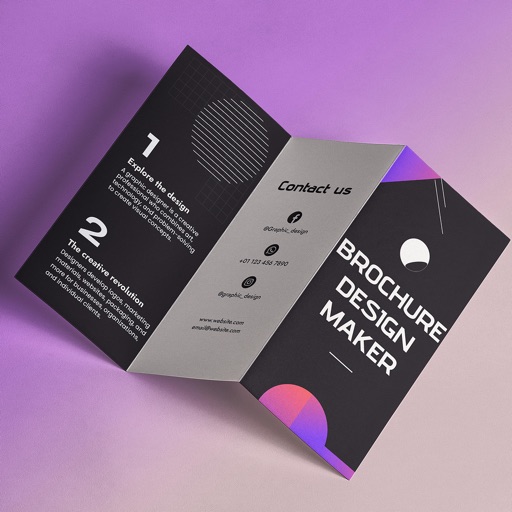
Create brochures by selecting from 2500+ templates across industries like business, travel, and education. Edit layouts, add text, images, and graphics. Export as PDF or print directly. Save and share designs.
Access switcher control, macros, audio, media, and editing tools. Manage recordings and streams. Use shared database for switchers, SuperSource presets, and streaming services. Edit videos with palettes and control production settings.