Edit photos with professional filters, effects, and frames. Retouch images with powerful tools like spot healing and color correction. Adjust brightness, contrast, and saturation. Crop, rotate, and apply stickers.
Convert videos, live photos, or images to GIFs. Create memes using templates. Edit GIFs with size, resolution, and playback speed adjustments. Remove smart backgrounds for stickers.
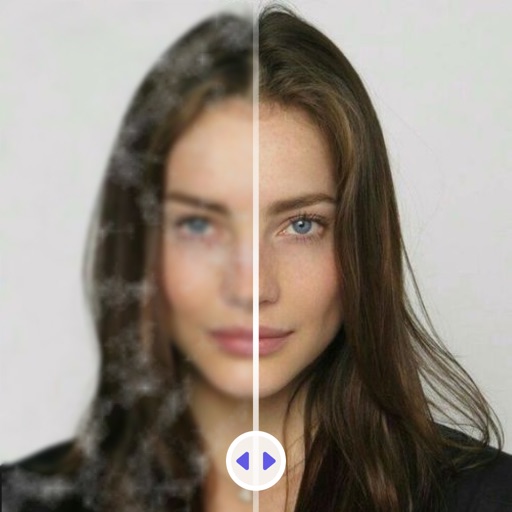
Enhance quality with AI-powered upscaling. Remove blur, grain, and pixelation to create crisp, high-resolution images. Restore old photos and videos. Share edited files directly.
Old photos by removing blur and sharpening details. Add realistic color to black and white images. Eliminate scratches, tears, and damage. Improve lighting and exposure for clearer results. Powered by Google Gemini AI for high-quality enhancements.
Remove backgrounds or objects using AI by adding a and tapping "remove." Adjust the new background to a custom color, white, another image, a gradient, or a preset. Add text, shapes, and photos to the edited image.
Edit photos by removing backgrounds and replacing them with custom colors. Erase unwanted objects with a single touch. Adjust and enhance images for sharing on social media.
Unwanted objects from photos by isolating the subject and creating a transparent background. Edit images to overlay onto new backgrounds. Adjust transparency and refine edges for precise results. Save and share edited images in various formats.
Edit photos by selecting images from the library and using an adjustable brush tool to mark areas for removal. The employs inpainting algorithms to seamlessly eliminate unwanted elements and blend the background.