Create manga and illustrations using free tools like G-pens, mapping pens, tones, and backgrounds. Access lessons on story creation, character design, and dialogue from editorial team. Enter contests and receive updates on available competitions.
The app offers drawing tools, color options, and frame management for creating animations. Users can export animations to video or animated GIF formats and share them.
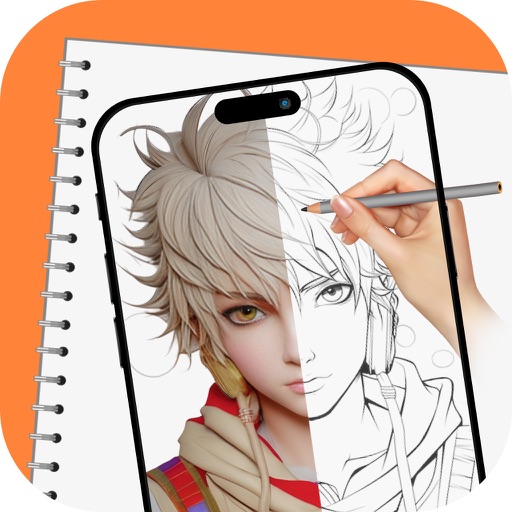
Over image templates with automatic pen tracking for accurate . Select from preloaded categories like animals, flowers, and vehicles. Choose from over 150 colors to customize drawings. Export final artwork in various formats.
Create and edit digital paintings using pencil tools, brushes, and smudge features. Fill areas with color, add text, and draw shapes like lines and circles.
Edit videos with trimming, splitting, and cutting tools. Add transitions, text, and stickers. Apply filters and effects. Export in high quality. Share directly to social media platforms.
Edit text with formatting options like bold, italic, and lists. Attach unlimited files including images, videos, and tables. Use dark mode and iCloud sync. Organize content with gestures and drag reorder. Export to HTML, Markdown, PDF, and JPG.
Arthur Eduardo Skaetta Alvarez Desenvolvimento de Software LTDA.
Convert photos to sketches
Convert photos into various styles like , colored, painting, and comic. Adjust brush thickness for customization. Save high-resolution sketches for sharing or printing.
Read, edit, create, and organize PDFs with annotation tools. Scan documents and convert to PDF. Summarize, generate content, and annotate across multiple files. Securely store and share PDFs without data collection.
Documents to create high-quality PDF, DOC, EXCEL, TEXT, ZIP, and JPEG files. Auto edge detection simplifies framing. Save and share scanned files directly via email or messaging apps.
Drawings, photos, and artwork with adjustable screen brightness for clear visibility. Lock artwork to prevent accidental movement. Use outline mode to enhance line visibility. Project images via AR for tracing accuracy.
Create digital art with natural brush strokes and realistic paper textures. Use 40+ brush presets for detailed painting. Edit images with color adjustments, liquify tools, and cropping. Apply layers and blend modes for advanced compositing.
Customize Home and Locked Screen with HD Retina images. Edit professionally. Share creations with community, save favorites, and follow friends. Receive daily wallpaper updates.