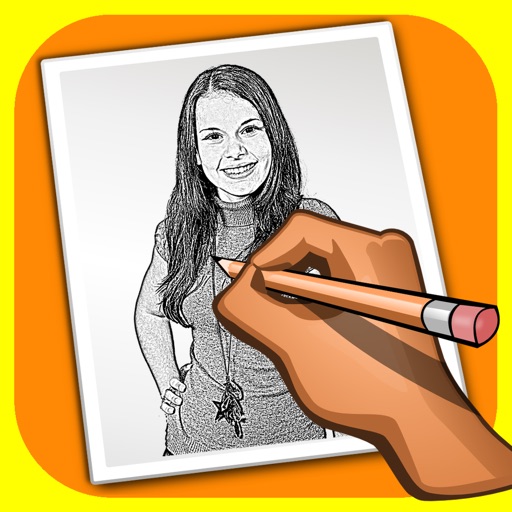
Convert photos to pencil sketches with adjustable effects including ink, outline, stony, charcoal, and cartoon styles. Support black and white and color pencil painting. Apply stylization, high contrast, and other advanced editing tools.
Perform calculations with a clean interface. Store and reuse numbers using the Memory Area. Bookmark equations for quick access. Drag and drop values between calculations. Switch between scientific and basic modes. Export results as text or image.
Take notes, draw, and sketch using Apple Pencil. Annotate PDFs, Excel, Keynote, and Numbers files. Create lists, memos, and organize notes. Export notes in multiple formats.
Use iPad with Apple Pencil as a liquid crystal . Draw in PC programs like Photoshop and Clip Studio. Supports wired and wireless connections. Offers high-performance drawing experience without additional hardware.
The app allows users to transform photos with live camera effects like painting, sketch, and pixel styles. Users can preview effects before capturing, adjust their intensity, and compare with the original image.
The app generates pencil sketches from photos using the iPhone camera. Users can select images from their gallery or capture new ones to apply various effects like wall paint, comics, and watercolor.
Edit Markdown files and export to PDF or HTML. Sync documents with cloud services like Dropbox and Box. Generate PDF and HTML from Markdown content. Store and manage .md files and exported documents.
The app transforms user photos into pencil drawings with a sketch shine effect. Users can apply this filter to images captured with the device's camera.
Lost Bluetooth devices by playing sound or receiving notifications. Track devices in real-time. Locate Smart Watches, Headphones, Phones, and other Bluetooth gadgets. Sync with Apple devices for enhanced tracking.