Draw with responsive touch input and customizable brush sizes. Apply sparkle animations while creating art. Save drawings to the device photo album. Share completed artwork directly.
by The App Tower Inc.★ 4.3197 ratingsEntertainmentFreeData updated 2026-09-08
Edit images by on photos and adding text. Choose from 45 colors and five pen thicknesses. Use zoom editing and undo functionality. Share edited images via email, Twitter, and Facebook.
Create digital artwork with customizable brushes and adjust texture, shape, and paper quality. Import and export images in various formats. Access unlimited brushes and tools for free for 30 hours monthly.
Create art with step-by-step drawing guides. Choose from categories like freestyle, hip-hop, and old-school. View styles in list or grid format. Save and share completed artwork. Adjust colors and brush sizes for customization.
Solve interactive puzzles with background objects. Listen to sounds of game characters. Color drawings of animals. Access 7 puzzles in free version. Full version includes 35 puzzles and allows painting all animals.
Sketch directly on the screen with pressure-sensitive tools. Adjust brush size and opacity. Rotate, resize, and move drawings. Save and share artwork in various formats. Export as vector or raster files.
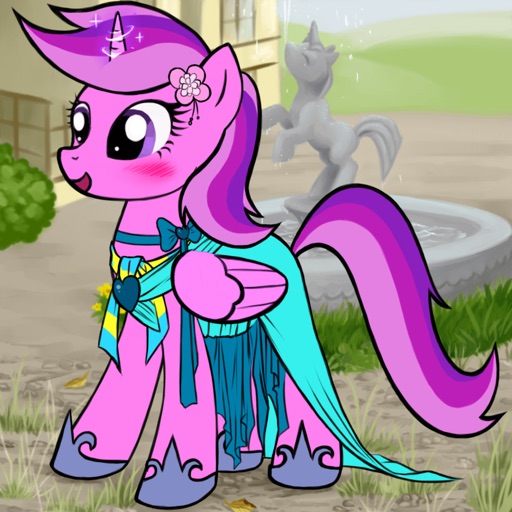
Create custom cartoon ponies by combining fragments for eyes, mouth, mane, color, horn, wings, and clothing. Choose from pegasus, unicorn, or alicorn styles. Save and share generated images or set them as wallpaper.
Create and customize drawings using various tools like pen, line, arrow, rectangle, ellipse, and eraser. Choose from multiple colors including black, white, red, blue, yellow, and more. Save or share generated images directly others.
Create flowing art with a magic brush that responds to finger or Apple Pencil input. Draw mandalas and wallpapers by swiping to blend strands. Save and share artwork. Supports 3D touch and Apple Pencil for enhanced drawing experience.
Use AR to sketch and paint on paper. Select images from the built-in gallery. Position paper on a flat surface for accurate drawing. Draw over projected images with precision. Save and share artwork directly.
Create custom characters by combining fragments for eyes, lips, hair, clothes, and other attributes. Choose from various character types like ninja, fantasy, or school. Share generated images or set them as wallpapers.
Create and animate drawings with a variety of painting tools and brushes. Record and share artwork as videos. Use a whiteboard for tutorials and pitch recordings. Access symmetry and guides for precision. Export creations in multiple formats.
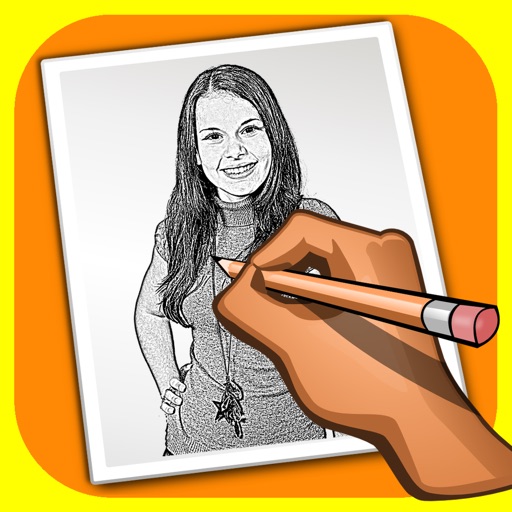
The app transforms user photos into pencil drawings with a sketch shine effect. Users can apply this filter to images captured with the device's camera.
The app offers drawing tools, color options, and frame management for creating animations. Users can export animations to video or animated GIF formats and share them.
Create symmetrical Easter egg drawings with customizable background and brush colors. Select from four brush sizes. Save or share artwork. in random mode for automatic brush size changes.
Design tags with customizable markers and nib shapes. Choose from various stroke sensitivities and color options. Save creations with one click. Create personalized street art and tags.
On an with multiple colors and add typed text to illustrations. Erase or delete drawings. Choose background colors for the . Save creations and share via email or Facebook. Additional markers and backgrounds available in the complete version.
Manage paths to avoid collisions and guide planes to their destinations. Draw routes, upgrade airports, and purchase new aircraft. Track progress through increasing difficulty levels and manage resources to expand your fleet.