Draw with responsive touch input and customizable brush sizes. Apply sparkle animations while creating art. Save drawings to the device photo album. Share completed artwork directly.
by The App Tower Inc.★ 4.3197 ratingsEntertainmentFreeData updated 2026-09-08
Coloring pixel lets users select pre-made objects and color them using provided colors. Users can zoom in to better view the area. They can choose between easy and advanced images with varying color complexity.
The app reproduces the appearance of crayon art with an original drawing engine. Users can set photos as backgrounds and share artwork on social networks.
Draw lines by turning dials or using directional buttons. Choose colors and line widths. Shake device to erase drawings. Create simple sketches in a retro style.
Control a robotic arm to draw or write. Users can create art on a drawing board, save or undo drawings, scale images, add text, and repeat actions. Features include unlimited undo, texture application, and direct manipulation of the robotic arm.
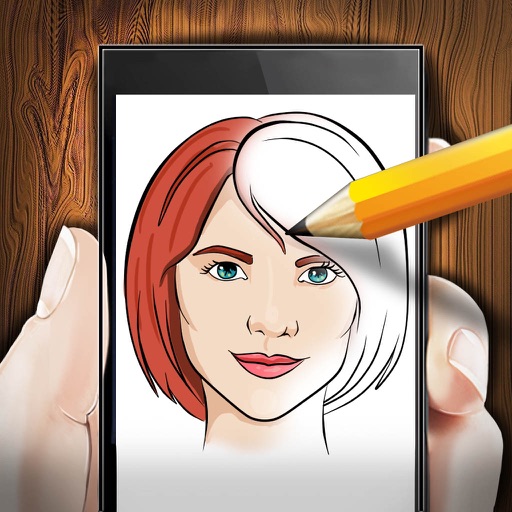
The app allows users to simulate new hairstyles using photos from their camera or photo album. Users can try different hairstyles on their own photos or those of their friends.
Create art with a brush that generates unique curves not found in other drawing tools. Use adjustable settings to customize brush behavior. Draw freehand or use predefined patterns. Export artwork in various formats and share directly.
Create art drawings using printable templates. Generate blank or color-coded grids for paper-based creation. Print templates for use with markers, Hama beads, or 3D printers. Share completed artwork digitally.
Art designs with tap-and-draw controls. Use magical brushes to paint glowing effects. Create symmetrical patterns and mandalas with balanced templates. Adjust colors and motion effects for custom designs. Share creations directly.