Draw with responsive touch input and customizable brush sizes. Apply sparkle animations while creating art. Save drawings to the device photo album. Share completed artwork directly.
by The App Tower Inc.★ 4.3197 ratingsEntertainmentFreeData updated 2026-09-08
Apply effects to photos and videos by inverting colors. Adjust brightness and contrast. Save edited media to gallery. Share directly from . Draw on images to customize effects.
And drawing with printable pictures and blank pages for custom artwork. Features include zoom functionality, video replay, and realistic tools. Users can create and share their own drawings.
Pages allow users to create art with endless color options. Three brush sizes support fine motor skill development. No internet connection is needed for gameplay. Calming music enhances the experience. No third-party ads or data collection occurs.
Play a line-drawing strategy game with touch controls. Command units and build structures to battle enemies. Upgrade weapons and deploy 40 troop types. Engage in local or global multiplayer with voice chat. Track progress on leaderboards.
Create digital art using AI-powered drawing tools. Explore pre-designed worlds for inspiration. Adjust settings to customize your creative environment. Save and share artwork directly.
Draw and color characters directly on the screen or with a pencil on paper. Access a public gallery to share art. Follow step-by-step drawing guides. Color pages with solid or gradient colors. Color pixel art by numbers.
Create drawings and paintings using augmented reality. Project images onto paper and trace them. Choose from diverse patterns and motifs. Color directly on the projected image. Save and share completed artwork.
Use camera to project image outlines onto paper for tracing. Choose images from gallery or collection. Follow lines to practice sketching. Suitable for beginners, artists, and students. Improve hand-eye coordination.
Turn photos, drawings, or objects into 3D animated monsters with AI. Add funny features, animations, and sound effects. Create shareable video clips and export in various formats.
Draw a in any pose with poseable figure tools. Adjust limbs and joints for custom positions. Use skins to enhance detail and realism. Change camera angles and zoom. Select from various backgrounds and platforms.
The app allows users to draw and sketch ideas with an easy-to-use interface. It offers various tools like pencil, line, oval, and rectangle, along with an eraser and undo/redo functionality.
Edit photos with eye detection tools. Change eye and lens style. Adjust pupil size and shape. Remove red eye and whiten eyes. Add sparkle effects and rotate them. Morph face shape for enhanced edits. Export edited images directly.
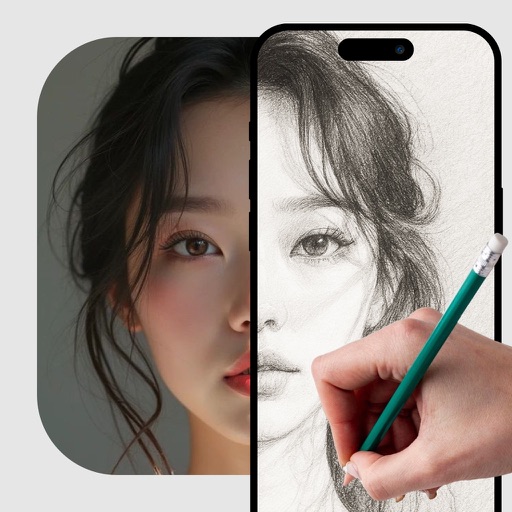
Convert photos into printable pages using AI. Upload images to generate detailed sketch outlines. Customize pages with color options. Print or share finished artwork directly.