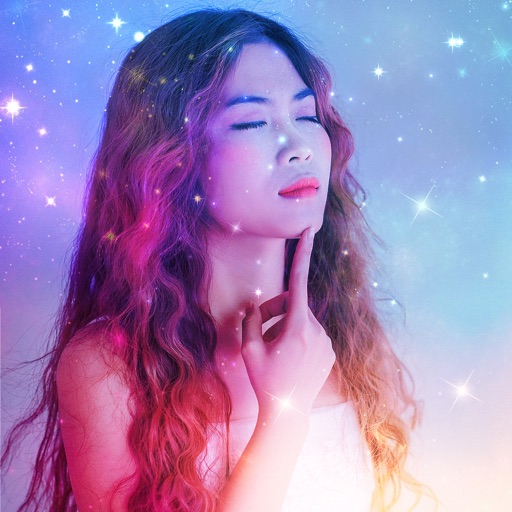
Edit photos with filters, light overlays, and aesthetic design elements. Crop, resize, and add borders or shapes. Create collages with multiple layout templates. Include stickers and share edited images on Instagram or Facebook.
The app offers professional editing tools, beauty enhancements, and special effects. Users can apply stickers, create classic collages, and design fashionable posters with InstaMag.
Create collages with layouts, filters, and stickers
Create collages using 300+ layouts and customize shapes and aspect ratios. Apply 200+ filters, add stickers, HD backgrounds, text with stylish fonts, doodles, and quotes. Share collages directly to Instagram and other social media platforms.
Remove unwanted objects, people, or blemishes from photos. Crop, resize, and adjust aspect ratios. Replace or fix backgrounds and foregrounds. Erase text, lines, and tattoos. Improve clarity and tweak brightness, contrast, and saturation.
Capture photos with real-time grid lines and flash settings. Use one-touch beautification for selfies. Access weekly updated filters and collages. Add stickers and create collages. Share edited photos directly.
Plan layouts by dragging and arranging images. Create cohesive and carousel posts. Design video covers and reels with ready-made templates. Edit and export content for , TikTok, and stories. Sync with social media platforms for direct posting.
Edit photos with crop, rotate, exposure, color, sharpness, and resize tools. Create grid collages and edit individual images. Access presets, clone tool, and fine curve adjustments for detailed edits. Export and share edited photos directly.
Create collages by combining photos and videos. Generate AI-powered videos from text or images. Edit clips with trimming, filters, and transitions. Export videos for Instagram, TikTok, YouTube, Facebook, and Pinterest.
Allows trimming, cutting, and adding effects to videos. Collage lets arrange multiple photos into grids or layouts. Slideshow creates timed photo presentations with music. Photo offers filters, cropping, and text tools.
Design posts with swipeable carousels and collages
Create swipeable posts and panoramic collages for Instagram. Use professionally designed templates or build custom layouts. Add text, images, and effects. Export and share directly to social media.
Create live wallpapers using free templates and customize with stickers. Take photos with a photo booth featuring fun stickers. Edit images with AI tools and templates. Share creations directly from the .
Edit photos and videos with AI-powered tools, apply filters and overlays, and create dynamic videos from images. Share edited content via email or social media platforms like Instagram and Facebook.
Create photo collages and composite images by combining up to 11 photos in a single layer. Remove unwanted areas with the background eraser tool. Adjust color tones to enhance image appearance. Export edited photos in various formats.
Edit photos with filters, cropping, and adjustments. Add text, stickers, and layers. Create collages with 500+ grid templates supporting up to 9 images. Design stories with templates and grids. Cut out photos and add backgrounds.
The app offers tools to enhance photos, remove blemishes, and apply various effects. Users can combine photos into collages, add stickers and frames, and adjust image properties like brightness and contrast.
Create professional-looking designs with . Edit videos, add text and graphics, and customize templates. Access inspiration and source materials. Share content for Instagram, TikTok, Facebook, Snapchat, and other platforms.
Create collages by merging up to 20 photos with frames, stickers, and text. Adjust borders, add pattern backgrounds, and use shapes for flyers and posters. Share creations on Facebook, Instagram, and other social media.