Edit photos by adjusting shape with a slider, protect background from distortions, remove unwanted objects with a swipe, blur specific elements, and automatically remove backgrounds. Access advanced features via a subscription.
The app helps users create aesthetic photo collages, scrapbook memories, and social media designs using AI-powered editing tools and creative templates. Users can design Instagram posts, stories, reels covers, and more.
Remove backgrounds from photos to create transparent images. Highlight the subject and replace the with a new image. Adjust transparency and export the edited photo.
Remove unwanted objects, people, or backgrounds from photos using AI. Tap to erase clutter or clothing elements. Edit and save modified images directly.
Remove backgrounds from photos using the magic tool. Manually crop or restore parts of an image. Create stickers and edit outlines for YouTube thumbnails. Export high-quality PNGs without watermarks.
Backgrounds and erase unwanted using AI. Enhance photo quality and transform images with advanced editing tools. Edit multiple layers and apply filters. Share edited photos directly from the .
Unwanted objects from photos using AI-powered erasing tools. Edit images with cropping, filters, and adjustments. Retouch photos by removing people or backgrounds. Share edited images directly.
Remove unwanted people and blemishes from photos or videos by painting and erasing. Edit images with AI tools, add text, filters, and effects. Adjust facial features like face shape, forehead, chin, and cheeks.
Edit photos by removing backgrounds using neural network technology. Choose from various options or leave as white. Upload selfies and replace backgrounds instantly. Export edited images in standard formats.
Edit photos by removing objects using lasso, rubber, and restore tools. Add custom backgrounds and share edited images with friends. Cut out objects for realistic results.
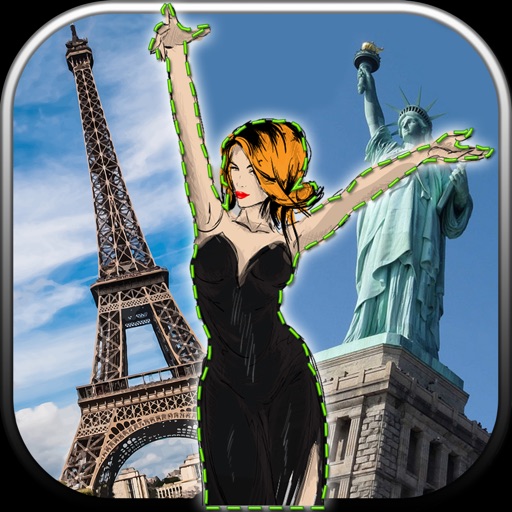
Edit photos by removing unwanted backgrounds and replacing them with scenic images. Cut out subjects and paste them onto new backgrounds. images for seamless montages. Share edited photos directly.
Chengdu Everimaging Science and Technology Co., Ltd
Edit photos with AI voice commands
Edit photos using AI-powered tools that apply multiple adjustments based on voice or text commands. Crop, rotate, and enhance images with one-tap edits. Add text, stickers, and filters. Export in various formats and share directly.
Edit photos with AI-enhanced tools for clarity and resolution. Remove unwanted elements and separate figures or objects. Apply AI skin corrections and custom filters. Adjust HSL and curves for precise color and tone control.