Edit PDF pages by selecting, merging, splitting, rearranging, rotating, and sorting. Add, delete, or extract pages. Combine and split documents. Reorder and reverse pages. Append and replace content. Export edited files.
The app allows users to edit PDF files by adding text, images, check marks, cross marks, and signatures. Users can fill out forms, sign documents, and manage added elements.
The app provides tools for operating PDF files. Users can compress, merge, split, extract pages, insert files, extract images, convert images, extract text, sort pages, and encrypt PDF documents.
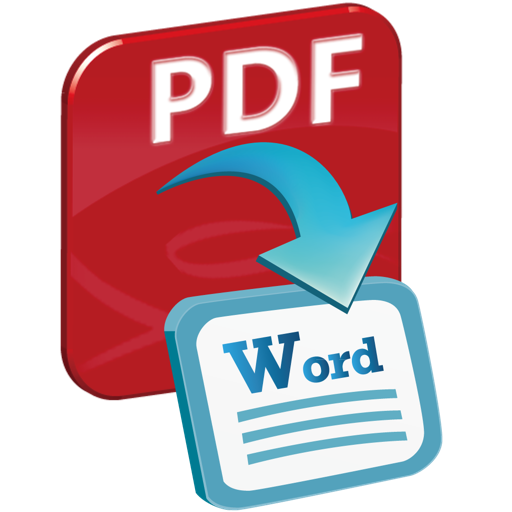
The app converts PDF files into Word documents and text files. Users can preview files, select specific pages, and convert multiple files at once while preserving original layouts and content.