Create digital artwork with customizable brushes and adjust texture, shape, and paper quality. Import and export images in various formats. Access unlimited brushes and tools for free for 30 hours monthly.
Create art with a complete toolset including layers, timelines, and advanced coloring. Edit spritesheets, GIFs, and game assets. Use touch or pen for optimized drawing. Render with high-performance Metal technology.
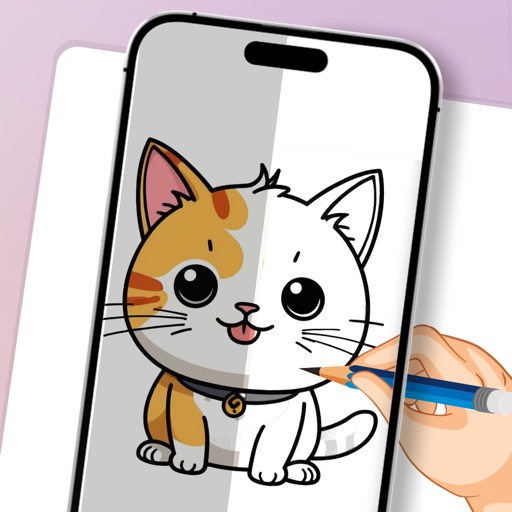
Turn real-world images into sketches using . Capture photos and apply freehand artwork with intuitive tools. Edit and refine sketches directly on the canvas. Share finished drawings via social media or email.
Create digital art using augmented reality features. images from uploaded files or projected visuals for precise sketching. Draw directly on paper with built-in tracing tools. Export artwork in multiple formats and share drawings.
Create digital art with customizable brushes and layers. Adjust brush settings for pressure and flow. Use Apple Pencil for precise strokes. Save and export artwork in various formats. Import images for tracing or blending.
Use camera to project image outlines onto paper for tracing. Choose images from gallery or collection. Follow lines to practice sketching. Suitable for beginners, artists, and students. Improve hand-eye coordination.
Manage and organize creative projects in one place. Import and export files. Edit art with high zoom, animation tools, and color palette customization. Create and animate sprites for retro-style games.
The app provides tools for drawing, coloring, and editing pictures. Users can create digital sketches, add text, and use realistic brushes for various effects.
Create and annotate digital whiteboards with infinite canvas size and zoom. Choose from three paper backgrounds. Export to PDF. Toggle between light and dark modes. Purchase additional boards without recurring charges.