Create fonts with handwriting to personalize messages
Create custom fonts using handwriting. Use them as layouts in iMessage, Instagram, Snapchat, TikTok, Facebook, and other apps. Share personalized messages with friends.
Convert handwritten notes and whiteboard content into searchable text. Share scans directly to cloud services. Use seven-symbol shortcuts for quick file naming and organization. Enable handwriting recognition for transcription and search.
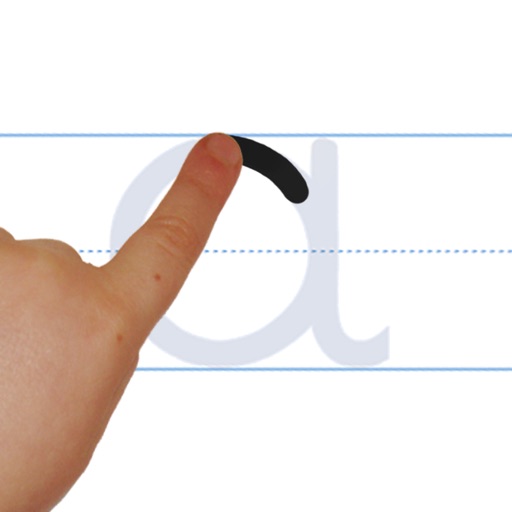
And with interactive tracing exercises using colorful chalk animations. Practice handwriting and phonics through guided activities. Complete worksheets and receive instant feedback. Track progress and repeat lessons for reinforcement.
The app helps children learn to write letters, numbers, words, and shapes through guided tracing and repetition. It adapts to each child's pace, building confidence and strong handwriting habits for classroom or home learning.
Practice addition, subtraction, multiplication, and division with interactive exercises. Solve problems using natural handwriting input. Adjust difficulty based on skill level. Earn rewards and bonuses to stay motivated.
The app helps children learn writing through guided tracing and repetition. It supports proper letter formation and fine-motor control for early learners.
Handwriting through interactive lessons and create custom worksheets for practice. Practice Spencerian script with guided exercises. Add ornamental flourishes and bounce lettering to refine penmanship. Syncs with Apple Pencil for precise writing.
Convert images to text using OCR technology. Support over 50 languages for recognition and translation of more than 100 languages. Scan handwritten notes and board content. Record audio notes and transfer text via keyboard.
Mandarin with lessons on Pinyin, Hanzi strokes, vocabulary, and grammar. Practice speaking with interactive exercises. Track progress with built-in quizzes and tests. Receive feedback on pronunciation and sentence structure.
Create handwritten notes and drawings with customizable brushes and erasers. Use vector tools for precise shapes and annotations. Add text, highlights, and special line effects. Save and organize digital sketches and journal entries.