The app uses acoustical impulses from a microphone to drive sound modules simulating membranes, cymbals, metallophones, or strings. It offers a semi-modular architecture with various synthesis types to create a wide range of tones.
Convert or bass input into polyphonic synth sounds in real time. Adjust waveform, filter, and modulation parameters. Save and recall presets. Connect to audio interfaces and DAWs for recording and live performance.
Analyze MIDI and audio to identify key and scale. Suggest chords, melodies, and basslines. Connect to keyboards, synths, or MIDI devices via Bluetooth. Edit and arrange musical content. Export tracks in various formats.
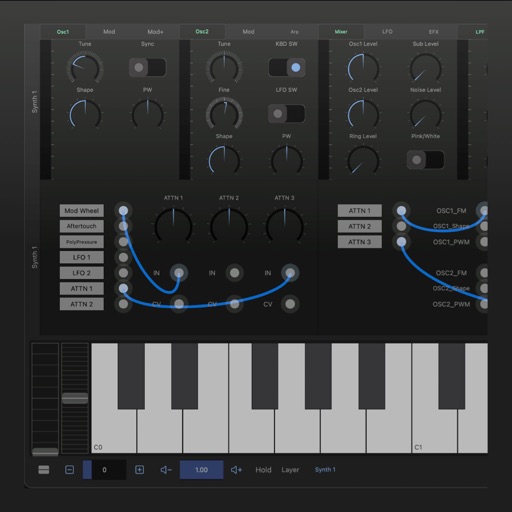
A synthesizer with 16 voice polyphonic capabilities. Users can create sounds using two oscillators per voice, adjust ADSR envelopes, apply filters, and control amplification. Includes effects, a sequencer, and audio visualization.
Adjust audio signals with a voltage-controlled and a wide-range LFO. Modulate frequency and depth parameters. Connect to MIDI devices and integrate with modular synthesizer systems.
Create and shape oscillator waveforms by drawing with 32 blocks. Generate retro sounds using mirrored halves. Interpolate between 16 oscillator pages. Apply effects like arpeggio, stereo delay, and resonant filter. Record sounds on a tape interface.
Create and manipulate sound using a modular synthesizer with patching capabilities. Add or remove up to 100 modules including oscillators, envelope generators, and filters. Learn synthesis concepts through interactive module configuration.
Control MIDI parameters with LFOs, random generators, envelope followers, and XY pads. Modulate plugins, hardware, and instruments via MIDI CC. Create and automate modulation without drawing automation curves.
Apply a lush one-button chorus effect inspired by the Juno-60 analog chorus. Adjust mix levels to blend the effect. Add depth and dimension to tracks with dark and detuned character. Syncs with AUv3 hosts for plugin use.
Create and edit patterns with polyrhythmic tracks. Add bass and lead synths. Use audio unit support and new FX modules. Import and export projects. Playback and record loops. Retain compatibility with DM1 song files.
Create and edit beats using samples and sequencer programming. Tap pads or use advanced controls for sound shaping. Build complex sequences and customize rhythms. Export projects and share beats directly.
Generate lo-fi sounds using synthesis algorithms with random set selection, code editing, and previous set navigation. Each set includes 12 sounds linked to an 8-character code. Perform live with on-screen buttons, PC keyboard, or MIDI input.
Play virtual with MIDI controllers or keyboards. Adjust articulation, dynamics, and breath effects. Use Room Simulator "Ambiente" for spatial audio. Load and save presets. Export audio in multiple formats.
Create and edit music using a modular synthesizer with a pattern-based sequencer. Import XM and MOD files. Record audio via microphone or line input. Export multitrack WAV files. Support 16/24/32bit audio formats and MIDI input/output.
Create and explore drum sounds using algorithms. Generate unique sets of 12 drums with 8-character codes. Save, copy, or paste codes for later use. Access sounds via AUv3 and Audiobus.