Remove backgrounds from images using AI-powered erasing. Cut out objects with precision and create transparent backgrounds. Save as PNG or edit layers for detailed adjustments. Share edited images directly.
View and edit in photos, including GPS tags. Bulk modify or remove fields like ISO, shutter speed, and camera model. Apply presets for consistent edits. Export photos without data.
The app offers long and multi-exposure photography with real-time tracking for moving or still objects. It provides a real-time preview to create smooth background and foreground blur, and users can record first and apply tracking afterward.
Edit photos by removing objects with the eraser tool. Apply filters from a selection of 25 designs. Recolor clothing or objects using the recolor tool. Add bokeh and sparkles with the overlays tool.
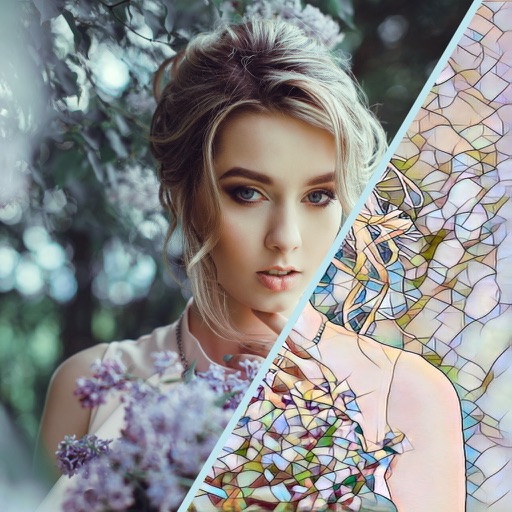
Edit photos with AI style transfer to create oil paintings, watercolors, or sketches. Remove objects, blur screens, and clean backgrounds. Add artistic filters and export edited images in various formats.