Record with one-tap player selection. Track serves, digs, passes, attacks, sets, and blocks. Generate box scores with hitting efficiency and points. Monitor player positions and rotations. Sync with Hudl video via time code.
Build and assemble the Sky E1700 Stunt with step-by-step animated instructions. Explore interactive diagrams, 3D models, and explanations of components. Learn about the controller board and ViperFlight 5 firmware.
Access course schedules, upcoming events, and campus navigation tools. Locate buildings and services. View daily routines and program updates. Track progress and connect with program resources.
Tests and quizzes help prepare for the exam. Review detailed explanations for each question. Track progress over time. Access a large bank of questions with professional explanations. Set and monitor study goals.
Learn CNC programming by simulating operations. Input G-code to machine parts. Rotate and zoom 3D models. Adjust tool paths and monitor machining processes. View detailed machine components and their functions.
Explore the solar system with detailed explanations and over 40 animations, including 3D models. Learn about coordinate systems, time measurement, and gravitational concepts.
The app teaches language targets over six levels of difficulty. It presents targets conforming to an Applied Behavior Analysis program with reinforcement provided by a token economy system.
The app presents a game where users complete pictures by manipulating color blocks. The game's difficulty progresses through levels, offering engagement for various ages.
The app allows students to explore geometry and fractions by creating designs or filling outlines with shapes. It provides tools for measuring angles, duplicating shapes, and annotating work to demonstrate understanding.
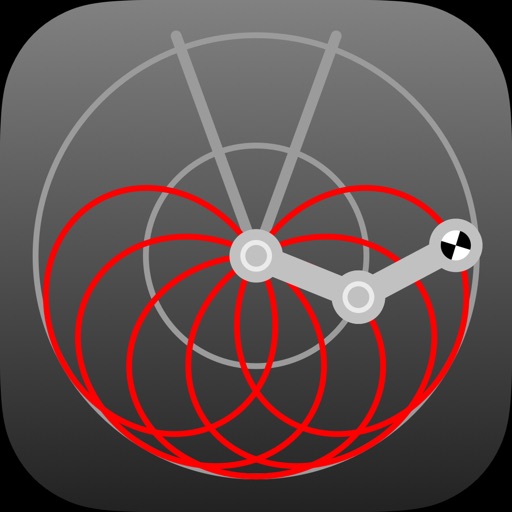
Simulate a frictionless with accurate physics. Adjust parameters to observe chaotic motion. Track and replay movements. Analyze trajectory patterns and system behavior.