Create collages using customizable templates and pre-defined styles. Save collages to Google Drive. Use Quick Edit Mode for fast adjustments. Set and save template styles and prices automatically. Export collages in various formats.
Add to and videos with customizable fonts, sizes, and colors. Adjust shadow and background. Apply curved, bent, or gradient effects. Choose from 20,000+ background images. Trim videos and add to video clips.
Create collages by adding photos and selecting aspect ratios. Choose landscape or portrait orientation. Add text to the collage. Shuffle for new layouts. Adjust design elements for customized results.
The app allows users to edit photographs by adjusting brightness, tint, and balance. Users can apply filters such as Sepia, Colorize, Wave, Watercolor, and Color Reduction to create collages and greeting cards.
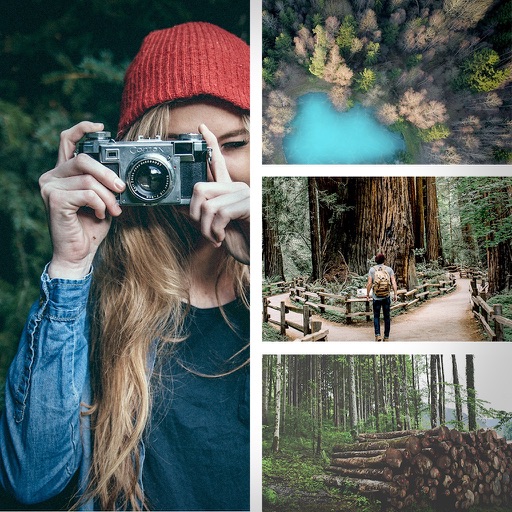
Create collages with up to 16 images. Rearrange photos and select from 200+ grid layouts. Adjust spacing, padding, and layout ratio. Apply filters to multiple photos or individually.
Create carousels and photo collages using AI tools and templates. Arrange images with drag-and-drop editing. Auto-align photos for seamless layouts. Apply aesthetic presets and customize designs. Export and share finished collages directly.
Edit photos with cropping, lighting adjustments, color correction, and professional filters. Design greeting cards and collages with customizable frames and layouts. Add personalized messages, stickers, and text to create unique invitations.
The app allows users to combine multiple photos into one collage with captions. It offers various layouts, fonts, and colors for text, along with photo effects and editing tools like rotation and resizing.
Create collages by adding personal photos and selecting from various product options. Share directly to groups or save to personalized albums. Use over 1000 available stickers. Upload and share photos instantly.
Capture 4K HDR spatial videos and 12MP HDR spatial photos using iPhone 15 Pro series or newer. Preview content in parallel viewing, anaglyph, wigglegram, or cardboard mode. Stream spatial media to AR glasses or large screens.