Apply and flange effects to audio tracks. Adjust parameters like delay, feedback, and mix. Integrate with AUv3 host apps. Expand controls for easier tweaking. Enhance sound with a high-quality algorithm.
The app transforms an iPad into a multitrack music recording studio for audio and MIDI. Users can record, edit, and mix tracks with various editors and effects.
Plugin for AUM. Supports 16 tracks with unlimited length and 16 output ports. Import and manage clips via Media Bay. Drag and drop clips to build songs. Direct output to multiple channels.
Allows users to create and customize drum patterns using 16 drum pads. Each pad can trigger individual sounds or loops. Users can load custom samples or drum loops and have them sliced automatically.
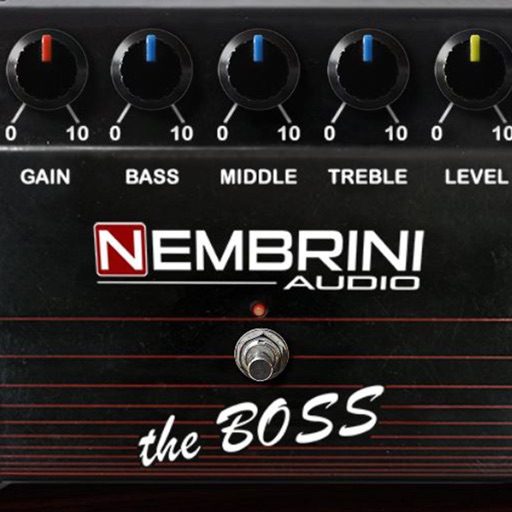
Add analog saturation to audio signals using a modeled '90s guitar preamp. Process guitars, pianos, organs, synths, basses, and more. Shape tone with controls for drive, brightness, and output.
Record and playback messages with precise timing accuracy. Edit recorded sequences, adjust velocities, and control playback speed. Sync with DAWs for seamless integration and real-time performance monitoring.
Apply audio filters to modify sound characteristics. Adjust parameters for tone shaping and resonance. Load and save presets. Access a demo version with limited playtime. Purchase full version for unlimited use.
Create and edit MIDI sequences with sequencing. Randomize notes, velocity, octave, and gate length. Add ratchets and glide effects. Set individual randomization values for steps using parameter-locking. Adjust and refine sequences step by step.
Adjust audio signals with a voltage-controlled and a wide-range LFO. Modulate frequency and depth parameters. Connect to MIDI devices and integrate with modular synthesizer systems.
Create stereo delays with adjustable parameters for various sound effects. Simulate tape characteristics with noise and warble. Apply filters in the delay loop for dub-style tones. Support stereo delay, detune, and ping-pong effects.
Allows users to create custom delay signals using three effect racks. Effects can be inserted before, during, or after the delay loop. Users adjust signal flow by selecting and arranging effect modules across the racks.