The app allows users to compose bass lines, drum patterns, and riffs with a few clicks. Users can edit and mix sounds, draw waveforms, and improvise music with a fast and ergonomic user interface.
Create and manipulate audio using synthesis. Import WAV files, record audio, or live-process sound. Adjust parameters for texture, pitch, and timing. Export and share custom audio creations.
The app offers independent control for up to 10 simultaneous notes. It features a pitch control system that allows for expressive musical performances with visual feedback.
Create music arrangements by sequencing pattern changes across synthesizers, drum machines, and sequencers. Control multiple tracks with unlimited steps per track. Assign individual channels and CC numbers.
The app allows users to create musical instruments from sampled sounds. It can receive MIDI messages from external keyboards to play notes and transform any MIDI keyboard into desired instruments or special effects.
The app allows users to control Mixcraft recording software from an iOS device. Users can start recording and playback, change position, control volume, undo/redo, and save projects wirelessly within the studio.
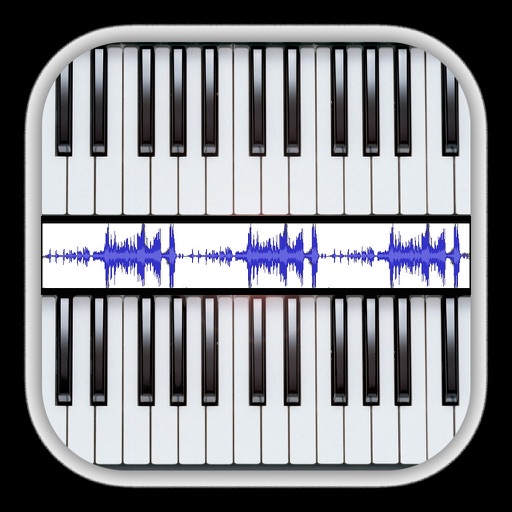
Record and playback audio samples with a multi-octave on-screen keyboard or MIDI device. Save, load, and reverse samples. Loop samples in forward, reverse, or forward-reverse modes. Apply reverb, resonant filter, and sample rate/bit crusher effects.
Create and manipulate granular audio with real-time time-domain synthesis. Generate effects like grainlet, trainlet, FM, and time/pitch shifting. Adjust grain parameters and control live input. Sync with AUv3 hosts. Export and share audio files.