Edit photos with AI-powered tools, object removal, and background changes. Apply artistic styles and one-tap enhancements. Export edited images in multiple formats and share directly.
Grisoft Yazilim ve Bilisim Hizmetleri Limited Sirketi
Edit photos, remove objects, adjust backgrounds
Edit photos with object removal, background erasing, and blur tools. Add stickers, neon lights, and colorful lines. Apply artistic effects and create black and white photos. Adjust backgrounds and highlight objects for professional results.
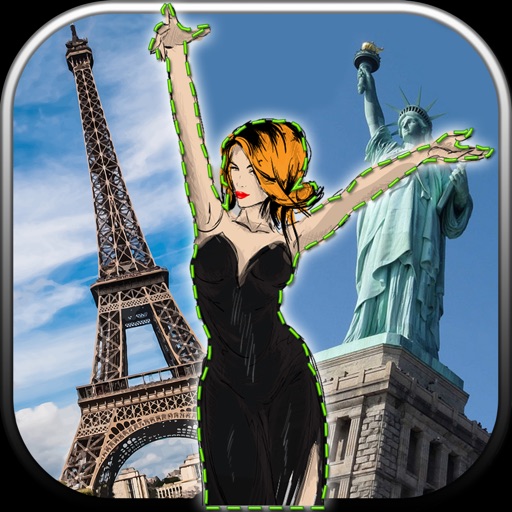
Edit photos by removing unwanted backgrounds and replacing them with scenic images. Cut out subjects and paste them onto new backgrounds. images for seamless montages. Share edited photos directly.
Remove backgrounds from images using AI-powered erasing. Cut out objects with precision and create transparent backgrounds. Save as PNG or edit layers for detailed adjustments. Share edited images directly.
Edit photos with AI-powered background removal and custom background options. Apply artistic effects like cartoon styles. Enhance portraits with AI adjustments. Export edited images in various formats.
Remove objects and watermarks from photos using AI-powered tools. Edit images by erasing unwanted elements like people, animals, or objects. Repair images with high-quality processing and share results on social media.
Edit photos with body transformation tools, one-touch filters, and cropping. Apply mosaic and blur effects to background. Add vignette. Adjust and share edited images directly.
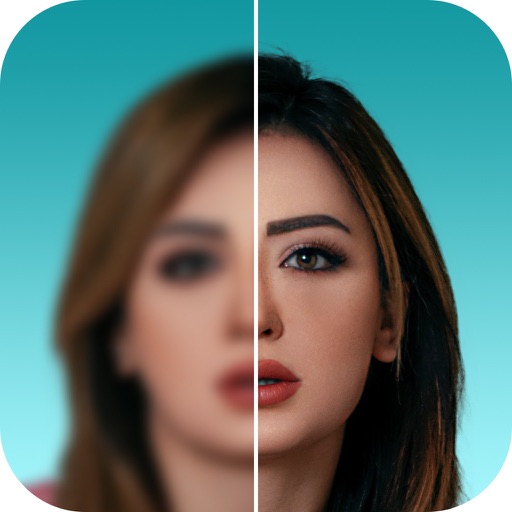
Upscale photos to 200%, 400%, or 800% without quality loss. Repair pixelated and blurry images. Improve resolution and enhance details. Convert low-quality photos to HD. Apply AI-based enhancements for clearer, sharper results.
Edit photos with advanced filters, dynamic effects, and precise adjustment tools. Add text, stickers, and overlays. Export in various formats and share directly to social media or cloud storage.
Create hyper-realistic headshots using AI. Upload casual photos for analysis. Choose from multiple styling options. Adjust lighting and background. Export final images in high resolution. Share directly to social media or email.
Create art by selecting styles and swiping the screen. Customize canvas settings including opacity, size, and layers. Combine tools to explore creative possibilities. Save and share artwork directly.