With filters, cropping, and adjustment tools. Apply beauty enhancements and double exposure effects. Use color splash and resize images. Access frames and story templates. Change resolution and export in multiple formats.
Edit images to remove backgrounds using AI. Cut out objects and replace them with new backgrounds. Adjust edges for smooth transitions. Share edited images directly.
Edit photos with finger-tracing and mosaic effects. Apply multiple layers of and mosaic styles. Crop processed images to custom sizes. Export edited photos in various formats.
Post photos and videos without cropping for Instagram. Add blur backgrounds automatically. Resize, rotate, and zoom content within the square. Apply effects, filters, stickers, and text. Select no layouts. Support 1080P video. Save in high quality.
Edit photos with filters, contrast, brightness, and color adjustments. Add text, stickers, and drawing tools. Customize images and landscapes. Export in high quality. Access a free image library. Apply advanced editing features.
Edit videos by trimming, splitting, and merging clips with adjustable durations and transitional animations. Apply diverse filters and retouch photos. Add multi-layer subtitles with adjustable timing and customizable fonts.
Trim videos to remove unwanted parts. Add background music from your device. Adjust speed for or fast . Modify brightness and blur settings. Insert text with customizable colors, fonts, and effects.
Add to photos with machine learning. Choose from Bokeh, Box, Motion, Crystallize, or Pixelate styles. Adjust intensity with a slider. Apply to single or multiple images.
Editor lets users backgrounds, , or specific areas of images. It offers automatic , hand-drawn , face blurring, and various effects. Users can adjust intensity and apply the effect to selected regions.
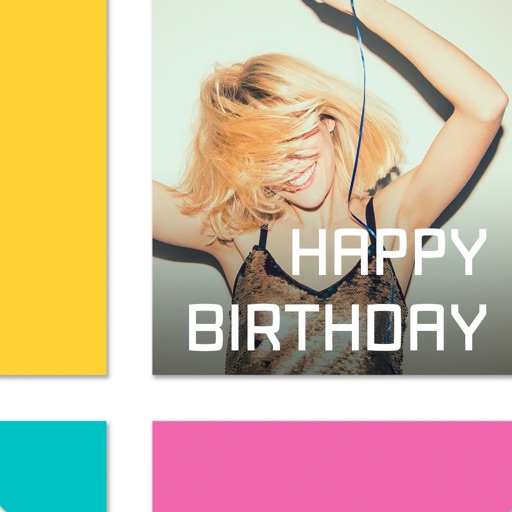
Create collages by combining multiple photos. Add romantic and text. Share collages via social media or messaging. Customize layouts and edit images within the .
Edit photos with , cropping, and brightness adjustments. Add text, stickers, and borders. Export in various formats and share directly. Apply exclusive and enhance images with advanced tools.
Edit photos into customizable grids with layout options, shapes, and frames. Add text and messages. Apply filters and effects. Stitch multiple images into a single composition. Export and share edited collages.
Edit photos with AI-powered tools for object removal, people elimination, blemish correction, and background editing. Adjust colors, brightness, and contrast. Add text and filters. Export and share edited images directly.
Capture photos and videos with manual controls for ISO, shutter speed, and white balance. Shoot in RAW format for detailed editing. Apply advanced effects and instant color grading. Use professional filters to enhance visuals.