Edit photos with effect and features. backgrounds and apply black-and-white conversion. Select areas for contrast. Zoom with two-finger pinching. Adjust brush size, opacity, and offset. Export edited images.
Enhance by removing blurriness and improving clarity. Restore old or faded images to reveal vivid colors and details. Increase resolution for sharper, clearer results. Apply color enhancement and detail sharpening.
Edit photos with 50+ filters and flare effects. Adjust contrast, brightness, saturation, and exposure. Add text with custom fonts and colors. Apply splash effects with multiple shapes and background blur. Save and share edited photos.
The app allows users to create unique images with special effects by combining photos with text. Users can add stylish text, masking, collages, frames, filters, and geometric shapes to their photographs.
Edit photos with filters, cropping, and adjustment tools. Add text, stickers, and borders. Create collages and share directly. Export in multiple formats. Sync with social media platforms.
Edit photos with mosaic, pixelation, vignette, overlays, and HDR effects. Apply shattering effects with real-time adjustments. Export edited images in various formats and share directly.
The app helps users resize photos to fit their screen for wallpapers. It offers features like image move, resize, rotate, blur effects, and a color palette.
Edit photos with skin smoothing, whitening, and acne removal tools. Apply blur and adjust face contours. Access dozens of drip with customizable backgrounds and colors. Share edited images directly.
Apply filters to photos and videos to enhance colors and tones. Edit videos with trimming, cutting, and adding effects. Share edited content directly to social media platforms.
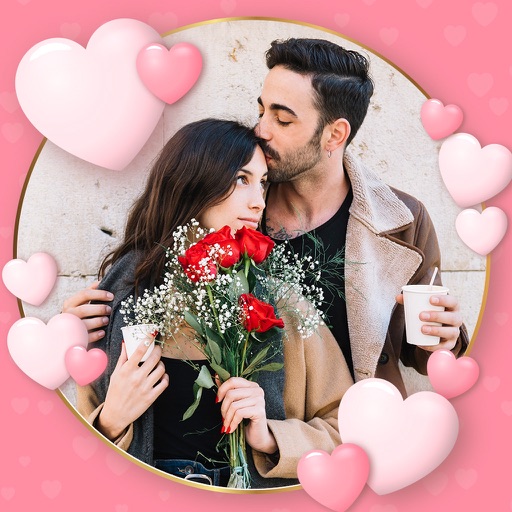
Create photos with customizable . Select from options. Add photos from gallery or capture new ones. Apply filters for enhanced appearance. Include stickers or emojis. Save and share edited images.