Create music by touching the screen to play notes and adjust sounds. Use multi-touch surfaces like radar, ribbon, or keyboard. Move fingers to modify tones. The semi-generative engine selects suitable notes automatically.
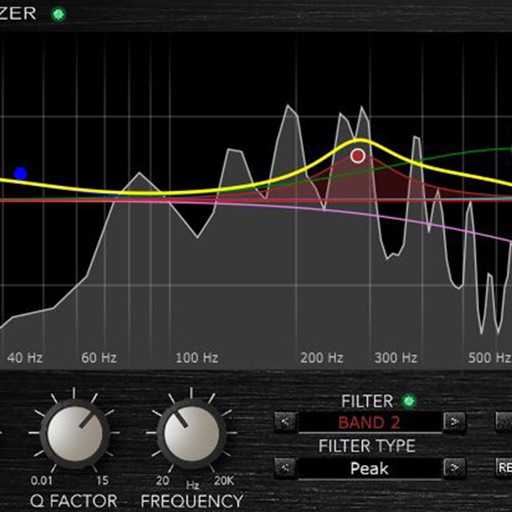
Load and manage impulse response files for audio equipment. Adjust cabinet sounds with a 6 band parametric equalizer and graphic EQ. Use a custom compressor with side chain filter and bass enhancer.
The app provides over 1,200 samples, 50 editable programs, and 80 editable sequences. It allows users to record samples using the iPad's microphone, line input, or a multi-touch turntable interface.
Broadcast audio from microphone, files, or compatible apps to Icecast, Shoutcast, or RTMP servers. Stream live video from camera to YouTube, Twitch, Facebook, or Telegram. Combine audio and video sources for simultaneous broadcasting.
The app is a dual low-pass/high-pass filter with resonance and an Overlap parameter. It includes a stereo sample player featuring LFO and scrubbing capabilities, along with Audiobus and Inter-App Audio support.
Play keyboard sounds, MIDI keyboard tones, typewriter noises, and four produced drum kits. Trigger samples via keyboard input or MIDI. Export audio files and share directly.
Create and sequence music using a step sequencer with generative features. Chain patterns with the Metasequencer. Use Modifier system for dynamic changes. Switch states via MIDI Program Changes. Adjust UI for different window sizes.
Create and manipulate sound using a complex oscillator with wave folding and lowpass gating. Adjust audio-rate modulations and apply a 12-mode filter. Control traditional VCA circuits and model analog or digital sounds. No patch cables required.