A whiteboard interface allows users to with basic colors. Users can clear the board, switch colors, and save drawings. The focuses on simplicity and direct drawing without additional features.
Detailed artwork with customizable brushes and specialized toolsets for sketching, painting, and doodling. Access advanced AI features to enhance creative workflows. Export and share finished projects directly.
Turn real-world images into sketches using . Capture photos and apply freehand artwork with intuitive tools. Edit and refine sketches directly on the canvas. Share finished drawings via social media or email.
Draw and with customizable brushes and layers. Edit images with adjustment tools and filters. Import and export files in various formats. Use gesture controls for quick navigation and editing.
Use phone camera to project images onto surfaces for tracing. Access templates for drawing and coloring. Color traced images to create artwork. Share finished drawings directly.
Create flipbook animations with frame-by-frame drawing. Use pressure-sensitive pen and eraser tools for artistic effects. Edit with undo/redo features. Add predefined animations and effects. Export and share finished projects.
By artworks with pre-drawn grids. Select and paint images using colored markers. Save and share completed drawings. Access a library of free artwork to .
FITNESS TRAINING GLOBAL ONE MEMBER COMPANY LIMITED
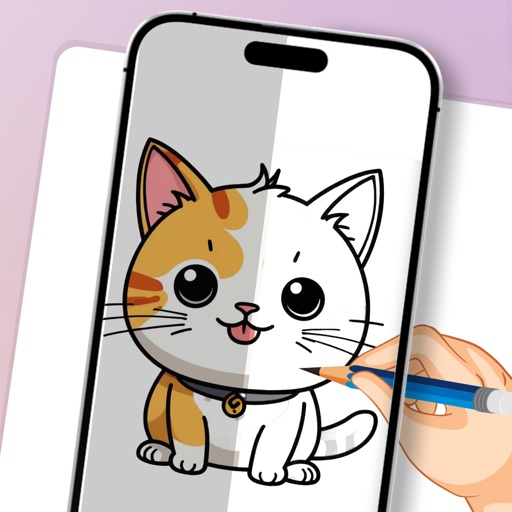
Sketch with AR and AI
AR – Project sketches onto real-world surfaces using augmented reality. objects for precise outlines. AI-powered tools suggest color palettes and brush strokes. Edit layers, adjust opacity, and apply effects.
Allows users to draw and explore with infinite scroll and . Create digital artwork using Apple Pencil support. Adjust brush settings for precision. Save and export drawings in various formats. Collaborate in real-time with others.