Apps Like Auto Paste Keyboard - Copied for iPhone and iPad
Templates instantly
Create and save unlimited text templates for quick reuse. templates instantly with a tap. Manage and organize templates efficiently. Use tap and hold to send templates multiple times.
by ENGINES STUDIO LAB★ 4.5193 ratingsUtilitiesFreeData updated 2026-09-06
Create logos by choosing from thousands of templates. Recolor and customize designs. Combine multiple logos. Select from nine categories including iconic, modern, watercolor, and letter styles.
Create AI videos from selfies with editing tools for trimming and adding text. Remix trending templates and lipsync to audio. Share videos directly to social platforms.
Create collages for inventory items using templates and photos. Add stickers and watermarks. Automatically generate collages with item details. Sync to Sonlet, Dropbox, or Camera Roll. Share collages for customer use.
Create collages using pre-designed templates and personal photos. Sort images by color to filter matching photos. View and photo library simultaneously for easy arrangement. Add web images directly from the . Export and share finished collages.
Create customizable on-screen keyboards using plain text. Add language or dialect support. Design layouts for workflow optimization. Include fancy characters and Unicode symbols. Export and import configurations.
Manage and organize brand assets with BAM. Store text, images, and links in customizable albums. Share content directly. Access video storage with Pro upgrade. Collaborate with team members and track asset usage. Export assets in various formats.
Print labels with cloud templates and auto-numbering
Connect to Bluetooth devices for label printing. Design custom labels with adjustable size, orientation, background images, text, barcodes, and graphics. Share templates online. Automatically generate serial numbers from Excel data.
Create memes using customizable templates, add text and stickers, and arrange images in collages. Save creations and share via social media or messaging apps.
: Tap Tool allows users to automate screen taps and swipes. Set custom intervals, durations, and repeat frequencies. Record and replay gestures for repetitive tasks.
Manage time with multiple timers and custom steps for tasks like cooking, workouts, or productivity. Set Pomodoro, HIIT, or Tabata intervals. Create and run separate timers simultaneously. Save and reuse timer templates for recurring activities.
Create with an intuitive editor. Add custom questions and templates. Import questions from other . Edit existing directly. Share and collect responses. View and analyze form results.
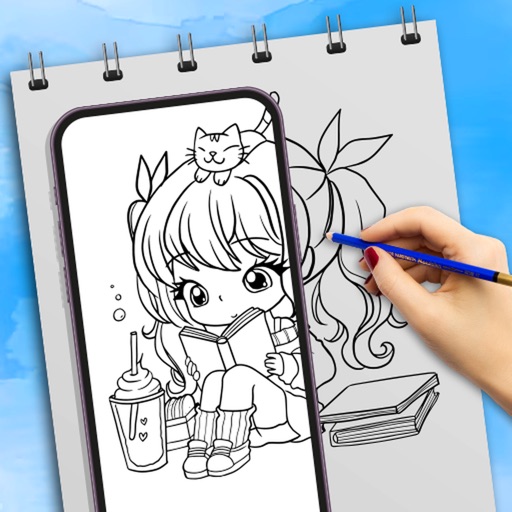
Use camera to draw and paint in augmented reality. Access tracing templates for animals, cars, nature, food, anime, and more. Adjust brush size and color. Save and share artwork directly.
Create custom by combining font styles and effects. Design unique effects for personalized use. Enable cheat mode for easier typing. Send encrypted messages for private communication.
Customize lock screen with artistic layouts and notch templates. Choose from 50+ notch designs. Set background images and themes. Adjust layout to fit device dimensions. Save and apply custom designs.
Create Instagram feeds and stories with customizable templates. Adjust layouts, add text, and apply filters. Export posts and stories directly. Sync with Instagram for seamless sharing.
Create personalized labels by adding text, images, symbols, borders, expressions, graffiti, and two-dimensional codes. Choose from templates in the template center. Connect to a label printer via Bluetooth for editing and printing.
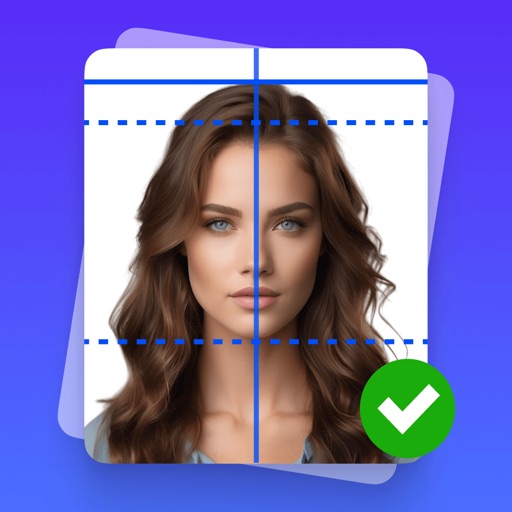
Create professional-quality ID photos for passports, visas, and other official documents. Select from various templates and guidelines. Adjust background, crop, and resize images. Save and share photos in multiple formats.