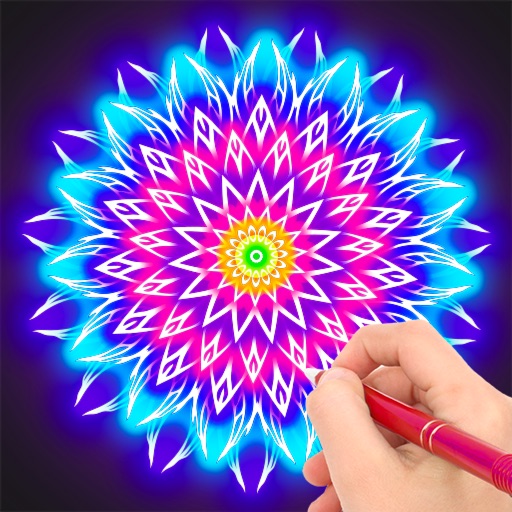
Create art on walls, floors, and ceilings using augmented reality. paint with realistic simulation that changes intensity based on distance. Customize colors and patterns. Save and share artwork directly.
by Philippe Zay★ 4.02 ratingsGraphics & Design$1.99Data updated 2026-10-24
Create and customize digital artwork with a wide range of colors and brushes. Choose from pre-designed pages or upload personal images for . Switch to dark mode to reduce screen strain. Save and share completed drawings.
Create fashion designs using 1,800+ templates and material brushes for fabric textures. Use technical brushes for production drawings. Generate AI-powered videos. Arrange layouts on presentation boards.
Create and edit digital artwork with layers, brushes, and custom tools. Adjust colors, brightness, and contrast. Import photos and sketches. Save and export in various formats. Apply filters and effects. Collaborate with others through cloud sharing.
Create artwork with realistic pastel simulation using live-calculated brushes and strokes. Sketch or paint digitally, test compositions, and refine techniques without physical supplies. Save and share paintings directly.
Detailed artwork with customizable brushes and specialized toolsets for sketching, painting, and doodling. Access advanced AI features to enhance creative workflows. Export and share finished projects directly.
Create custom designs using , text, images, and stencils. Add paint splatters, textures, and QR codes. Use style templates and your own photos. Design with unlimited words, phrases, and illustrations. Export and share finished projects.
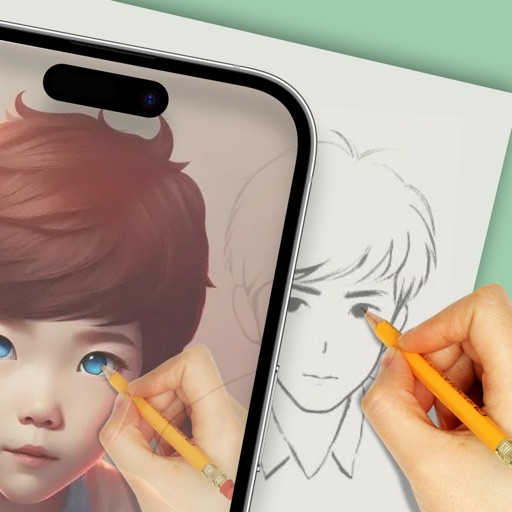
Convert photos and videos into paintings or hand-drawn animations using AI. Apply sketching or painting styles with adjustable textures. Save the artwork process as a video. Choose from five standard art tools.
Use augmented reality to draw on any surface. Create sketches with AI-assisted tools. Select and customize NFT images from your phone gallery. Export drawings in various formats. Share artwork directly from the .
Sculpting tools allow shaping creations with brushes like clay, flatten, smooth, and mask. Trim boolean cutting with lasso and rectangle shapes. Stroke customization includes falloff, alphas, and pencil pressure. Save and load tool presets.
Turn photos into paintings with one-tap conversion. Edit, add signatures, and share on social media. Print artwork via CanvasPop with frame and size options. Transform videos into animated paintings.
3D models using gesture-based controls for object and camera manipulation. Multi-select vertices, edges, faces, and objects with long taps or frame drawing. Merge, connect, and create faces from vertices. Draw cuts on edges.
Create gallery-style portraits from images using automatic painting tools. Add color, light, and texture for realistic effects. Choose between classic-style brushes or modern-colored options. Save and share finished artworks.
Draw and with customizable brushes and layers. Edit images with adjustment tools and filters. Import and export files in various formats. Use gesture controls for quick navigation and editing.