Organize flashcards into folders and manage them with search, copy, and move. Start review sessions with a single tap. Track progress with stats. Use bookmarks and recover deleted cards. Works offline without an account.
by Tom Ross★ 0.00 ratingsEducationFreeData updated 2026-09-06
Learn Chinese with flashcards covering levels 1 through 6. View simplified and traditional characters with pinyin and English definitions. Listen to word pronunciations, bookmark words, and add notes. Review flashcards for all levels or speed review.
Create and customize flashcards with text, images, or audio. Organize them into categories and sets. Use spaced repetition to review material efficiently. Track progress with detailed statistics.
Memorize verses using flashcards with spaced repetition. Play games. Listen to audio verses. Share progress with others. Track learning progress with built-in tools.
Functions and keyboard shortcuts for Mac and PC. Practice with flashcards to memorize popular functions. Write formulas and explore features offline. Access formula references and shortcut guides anytime.
Create and review flashcards with LaTeX for math and science notation. Use to reinforce memory retention. Add notes and organize study sessions by subject. Export flashcards for offline use.
The app provides a note-taking experience with features like iCloud sync, Markdown support, and instant search. Users can organize notes into colorful notebooks and sections, and attach files for easy access.
Access school resources with single sign-on. Launch apps with one click. View cloud drives and Active Directory folders. Manage bookmarks and customize your dashboard. Sync with Google Workspace for Education.
Read and annotate PDF and EPUB files. Create mind maps, flashcards, and study notes. Organize content with customizable tags and folders. Link annotations to build connections between ideas. Export notes and share directly.
Learn using 500 flashcards with meanings, example sentences, images, and audio pronunciation. Review individually or in sets. Test knowledge with quizzes and track progress over time.
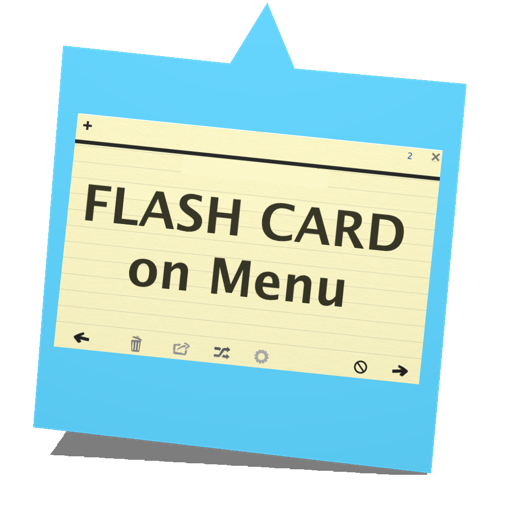
Study flashcards with a page flip interface. Shuffle cards or hide answers to test memory. Add and edit cards anytime. Keep the open for continuous use. Launch from the top menu bar icon.
Create and edit with images and advanced formatting. Add bulleted lists, bold text, and code blocks. Study offline or on-the-go. Collaborate on and use spaced repetition to improve retention. Export and share directly.
Record lectures with one tap for in-person classes, seminars, labs, or study groups. Transcribe audio into organized notes. Generate flashcards, quizzes, and study guides from notes. Import audio or video for later processing.
Create and organize flashcard decks with custom names, descriptions, and colors. Add front and back content. Review cards in multiple modes including quiz and spaced repetition. Export decks to study offline.
Take notes by hand and convert them into flashcards or quizzes using AI. Organize notes by subject or course. Highlight key ideas and search for specific content. Study with summaries, flashcards, and quizzes without switching apps.
Create flashcards for studying with edit, delete, and organize features. Study cards with spaced repetition and timer. Import and export decks in CSV or JSON formats. View images and adjust text alignment.
Create and study with customizable front and back content. Organize decks into categories. Use spaced repetition to review cards based on performance. Add audio or images to . Track progress with study statistics and session history.
Review flashcards with personalized spaced repetition schedules. Track progress through detailed statistics. Toggle between study modes. Share decks with others. Customize algorithm settings. Use controller support for hands-free navigation.
Access daily tasks and essential learning tools. Use AI-powered features to personalize sessions. Review notes, practice quizzes, and track progress. Share materials with classmates. Sync learning data across devices.