Create and Instagram carousels with customizable templates and drag-and-drop editing. Add text, stickers, and filters. Export and share directly to social media. Adjust layout for seamless swipe-through viewing.
by Turnip Media Private Limited★ 4.7364 ratingsGraphics & DesignFreeData updated 2026-09-06
Add to and videos with customizable fonts, sizes, and colors. Adjust shadow and background. Apply curved, bent, or gradient effects. Choose from 20,000+ background images. Trim videos and add to video clips.
Personalized photo frames with customizable borders and background designs. Add text messages or notes to photos. Share decorated images directly through social media or messaging apps. Edit photos with basic tools to adjust brightness and contrast.
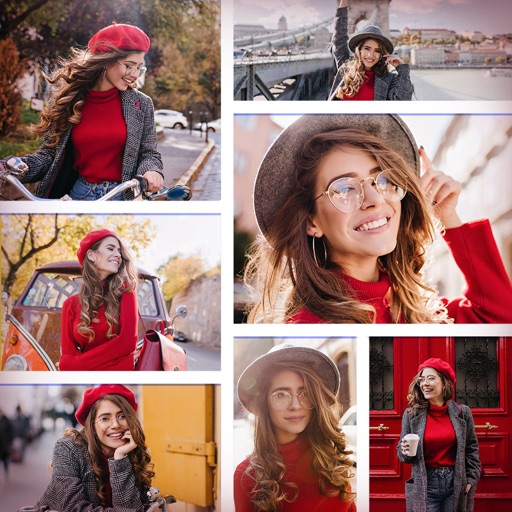
Create collages by combining multiple photos and videos. Choose from , poster, or editor modes. Adjust layouts, add effects, and stitch content together. Edit images with filters, cropping, and text overlays.
The app offers photo editing tools including insta square, color splash, and collage maker. Users can create unique photos with various filters, effects, and text options.
FEEL APPS YAZILIM HIZMETLERI SANAYI TICARET LIMITED SIRKETI
Edit photos, plan feed layouts, preview grids
Edit photos with filters, cropping, and brightness adjustments. Arrange images in customizable layouts. Preview and adjust feed compositions. Share edited photos directly to Instagram. Apply creative effects and text overlays.
The app creates unlimited collages with a single tap using a SmartSorting algorithm. Users can import photos, select modes, and apply various styles, text, backgrounds, filters, and stickers.
Create posters and posters using pre-designed templates. Choose from thousands of options for business, social media, or events. Customize text, colors, and layouts. Export in various formats and share directly.
Create collages by combining up to 20 photos. Choose from 100+ layout options. Edit images with filters, stickers, text, and doodles. Adjust ratios and background styles. Save and share the final design.
Create collages using 100+ adjustable layouts. Customize with gesture controls and regulation bars for precise adjustments. Choose from beautiful backgrounds and filters. Edit photos with cropping and ratio adjustment tools.
Create social media graphics using pre-designed templates. Choose from layouts for collages, banners, invitations, business graphics, posters, quotes, and profile photos. Customize designs with text, images, and color adjustments.
Create posters with customizable templates, drag-and-drop elements, and text styling. Add images, icons, and backgrounds. Export in multiple formats and share directly. Design logos with pre-built templates, color pickers, and font customization.