Apply -style, low-light, and UV to photos and videos. Adjust filter intensity and blend modes. Export edited media in standard formats. Share filtered content directly to social platforms.
Create blur effects by tracing fingers over photos, with automatic border correction for natural results. Zoom in or out using pinch gestures for precise adjustments. Check results by tracing over the screen.
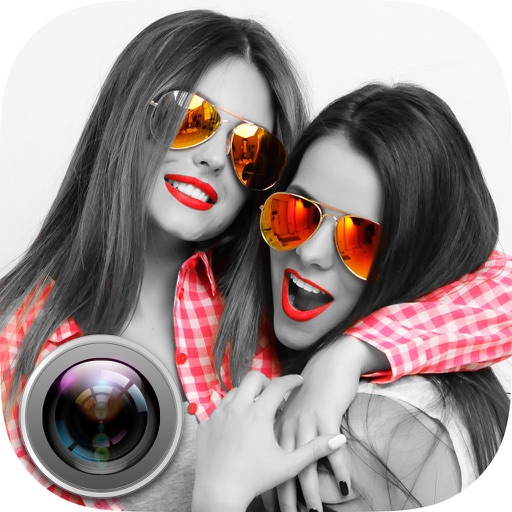
Edit photos with splash effects, convert images to black and white, or apply custom colors. Add filters, zoom in on photos, and use a brush tool. Export and share edited images directly.
The app allows users to correct color casts or adjust photo warmth and coolness with presets. It offers a live split preview for comparing images and saving custom effect settings.
The app allows users to change a monochromatic background into any image. It offers tools to manually remove backgrounds without a green screen and includes features like auto-enhance, drawing, stickers, text, and various photo effects.
And multiple images at once. Mirror selfies and correct photo orientation. Support for JPG, PNG, HEIC, WebP, and other formats. Preserves image quality during edits. No complex features required.
Convert photos into printable pages with customizable line art. Select from artistic styles and color sections by tapping. Print or share high-resolution pages. Ideal for creative expression and preserving memories.
Convert photos into limited-color posters with a effect. Apply filters to adjust colors and brightness. Share images on social media platforms like Facebook and Twitter. Save or email the edited photos directly.