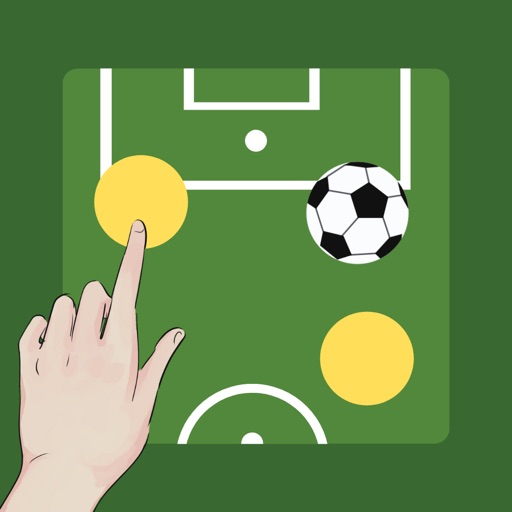
Create and customize boards by adding or removing players and adjusting their details. Set player photos, names, numbers, and positions. Choose coat colors and use a drawing tool with adjustable line thickness and color. Save and share screenshots.
Write notes and sketches using a black pen. Erase and redraw freely. Save notes to the device. Share notes via email or messaging. Adjust text size and color. Use as a memo pad or idea journal.
Create and annotate digital whiteboards with AI image recognition and handwriting-to-text conversion. Draw with Apple Pencil pressure sensitivity and use rich tools for shapes and text.
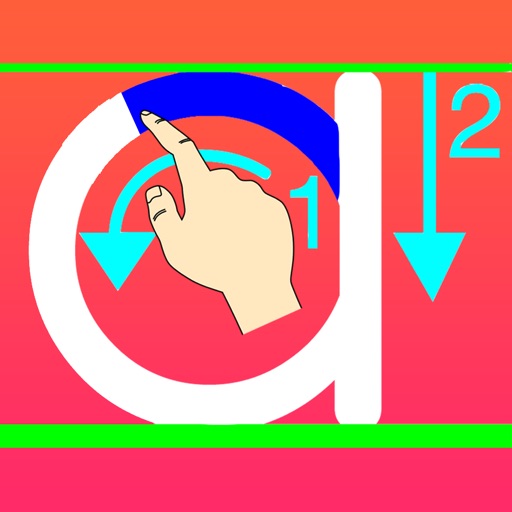
The app helps children learn handwriting skills through a customizable tracing system. It provides guidance on letter formation and allows users to save and share their work.
The app transforms user photos into pencil sketches. Users can select images from their gallery or capture new ones with the camera to create sketch art.
The app allows users to create and share black and white drawings within a thirty-two by thirty-two square. It offers features like 1-bit drawing, grayscale options, zooming, undo/redo, symmetry modes, and pixel manipulation.