Apps Like Erase Objects: Remove Object for iPhone and iPad
Edit photos and unwanted objects
Unwanted objects from photos using AI-powered erasing tools. Edit images with cropping, filters, and adjustments. Retouch photos by removing people or backgrounds. Share edited images directly.
by out thinking private limited★ 4.460 ratingsPhoto & VideoFreeData updated 2026-09-06
Remove unwanted objects or people from photos and videos by painting them and tapping "erase." Edit images to eliminate pimples or blemishes. Save and share edited content directly.
Objects from photos using various tools. Replace removed elements with templates or custom images. Edit photos to eliminate unwanted items like people, wires, or blemishes. Export edited images directly.
Remove unwanted objects and people from photos with a few taps. Edit skin imions and blemishes for a smooth, natural look. Use AI-powered tools to enhance images without internet access.
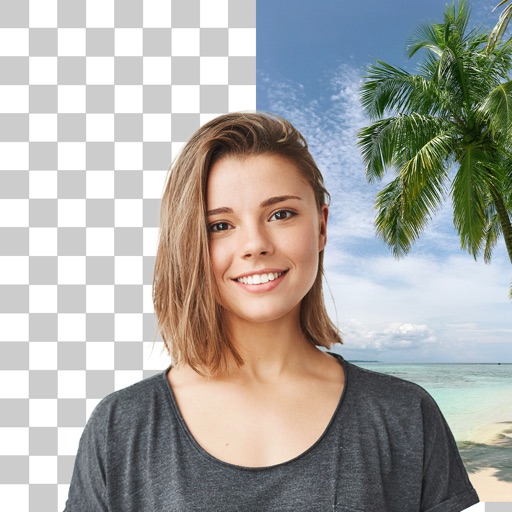
Photo backgrounds using AI-powered object recognition and automatic cutting. Edit images to create transparent backgrounds. Erase objects or elements with realistic results. Save and share edited images directly.
Backgrounds from photos using AI-powered erasing. Replace with empty, custom, or selected backgrounds. Edit images directly from gallery or camera. Export edited photos for sharing or further use.
Enhance photos with AI-based clarity and detail. Remove blur and improve lighting. Edit vintage photos for modern clarity. Share enhanced images directly. Apply filters and adjust colors. Export in high-definition formats.
Edit photos by selecting images from the library and using an adjustable brush tool to mark areas for removal. The employs inpainting algorithms to seamlessly eliminate unwanted elements and blend the background.
Edit photos by removing objects and changing backgrounds. elements to create montages. Adjust transparency and replace backgrounds. Save and share edited images directly.
Enhance image quality by unblurring and sharpening photos, reducing noise, and upsizing for clarity. Improve video clarity with noise reduction and motion smoothing. Sharpen PDF text and lines for better readability.
Edit photos with AI-powered tools like Magic Eraser and AI Background Changer. Remove unwanted elements, generate images, and enhance photos without manual adjustments. Create studio-quality edits and share directly.
Edit photos with cropping, filters, and adjustments. Remove unwanted objects or people using the Magic tool. Replace backgrounds to create montages. Create collages with pre-designed templates. Export edited photos in multiple formats.
Edit photos by removing backgrounds from portraits and creating posters and wallpapers. Use cartoon face filters to transform appearances into webtoon-style characters. Choose from templates to enhance images and share them directly.
Objects from videos using AI-driven object detection and editing tools. Select and erase unwanted elements frame by frame. Adjust background seamlessly and export edited videos in high quality.
Create videos from text or images using AI effects. Apply AI-generated hairstyles and outfits to profile photos. rt in cartoon styles or old school yearbook trends. Add face filters and makeup to photos.