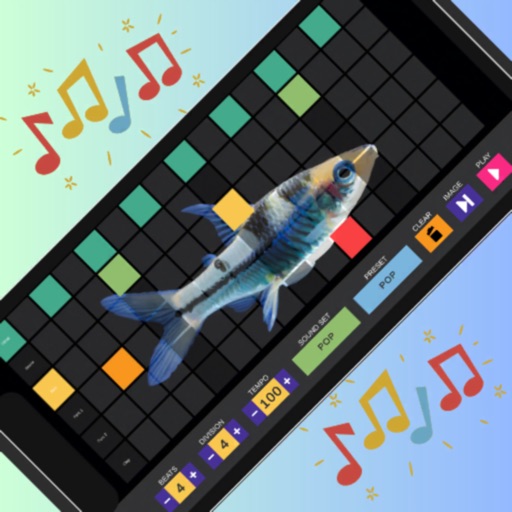
Create beats and loop tracks using an advanced with customizable kits and patterns. Record and edit loops, adjust tempo and timing, and export sessions in multiple audio formats. Sync with MIDI devices and integrate with digital audio workstations.
by MSDC TECHNOLOGIES LTD★ 0.00 ratingsMusicFreeData updated 2026-09-06
The app offers unlimited audio and MIDI tracks with a 32-bit floating point audio engine. It includes real-time time-stretching, pitch-shifting, and a studio-grade channel strip with 17 effect processors.
Create and edit music using a modular synthesizer with a pattern-based sequencer. Import XM and MOD files. Record audio via microphone or line input. Export multitrack WAV files. Support 16/24/32bit audio formats and MIDI input/output.
Allows users to create and customize drum patterns using 16 drum pads. Each pad can trigger individual sounds or loops. Users can load custom samples or drum loops and have them sliced automatically.
Create and play music with a pad interface. Learn beats through interactive lessons. Simulate a DJ console for real-time performance. Access rhythm tools for EDM, Dubstep, Hip-Hop, Trap, and Pop. Explore original songs for inspiration.
Create and customize beats with a wide range of preloaded sounds and effects. Build loops and sequences intuitively. Export tracks in various audio formats. Share creations directly to social media or music platforms.
Play virtual 3D with animated visuals and real-time lighting effects. Adjust settings for sound and performance. Save and share session recordings. Connect to external audio devices for enhanced playback.
Create and manage drum kits by importing professionally recorded samples. Trigger samples via MIDI or built-in pattern editor. Sync tempo with DAW. Edit and sequence drum patterns. Build and organize custom drum kits.