Create art with a complete toolset including layers, timelines, and advanced coloring. Edit spritesheets, GIFs, and game assets. Use touch or pen for optimized drawing. Render with high-performance Metal technology.
Create pixel art using a grid-based drawing interface. Draw with customizable colors and brush sizes. Share artwork directly to social media or the in- community. View and comment on other users' pixel art.
Create art in a retro 80s style. Design simple or complex drawings and animations. Share with others. Customize sticker size and color. Add text and effects. Export and send via messaging apps.
Edit videos and stories with AI-powered tools. Add stickers, filters, and animations. Copy and paste assets between apps. Save media to camera roll for use in other editors. Organize favorites and apply styles with one tap.
Create comic strips using AI-generated art or manual drawing tools. Choose from various comic styles like anime, manga, webtoon, and pop art. Sketch and convert drawings into high-quality images.
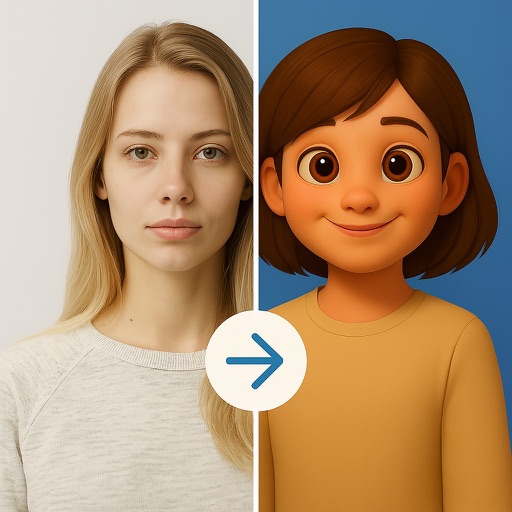
AI-powered editing transforms photos into cartoon art, watercolor paintings, or other creative styles. Users can apply filters, adjust colors, and add effects. Export edited images in various formats and share directly.
Edit photos with filters, effects, and AI tools to remove or blur backgrounds. Add stickers, text, and frames. Apply glitch, neon, and drip effects. Adjust colors and crop images. Export and share edited photos directly.
Edit photos with multiple props, frames, and effects. Apply presets and overlays. Capture photos in portrait, landscape, or square orientation. Share images directly to social media. Supports iPad, iPhone, and iPod Touch.