Apply live filters in real-time while framing shots. Preview filtered images before capturing. Adjust filter intensity and blend modes. Save photos in high resolution and share directly.
by Thanh Nguyen★ 0.00 ratingsPhoto & VideoFreeData updated 2026-09-06
The app transforms photos into surreal art with 15 animated effects like comic-book ink, VHS, and glitch. Users can import photos or use the camera to capture images and apply real-time, on-device rendering.
Edit photos with AI-powered skin smoothing, makeup application, and filters. Adjust brightness, contrast, and saturation. Apply virtual makeup and try different styles. Export edited images in various formats and share directly.
Edit and enhance grayscale photos with 20 predefined presets and custom adjustments. Apply vignette effects and modify color channels. Save personalized presets. View and share monochrome images directly.
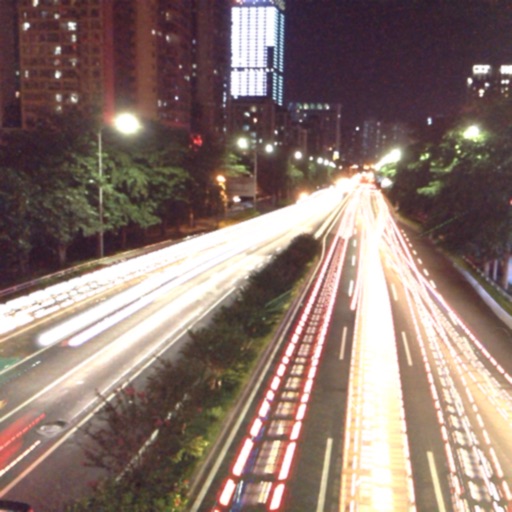
The app captures photos using slow shutter speed effects to create light trails and streams. Users can control exposure time and focus for motion blur photography.
Take photos and videos remotely using AirSnap, a feature that lets you control the from your phone. Adjust settings like focus and exposure. Edit images with cropping, filters, and adjustments. Share directly from the .
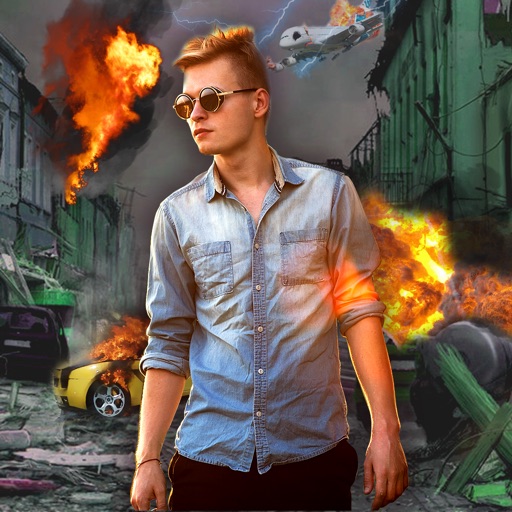
Edit photos with -themed effects like explosions, bomb blasts, and action stickers. Apply customizable FX frames and VFX filters. Decorate images to resemble posters. Share edited photos directly.
Edit photos with AI-powered tools for exposure, contrast, and color correction. Learn composition, lighting, and framing through interactive lessons. Get real-time feedback on shots and track progress over time.
Edit photos with texture overlays and film effects. Add retro vibes, glitches, and grain. Adjust brightness and contrast. Export and share edited images directly.
The app offers different photographing themes including Portrait, Scenery, Food, Night, and Still Objects. It automatically selects matched filters for user photos based on the chosen theme.
Edit photos with filters, filter mix, and creative shape effects. Apply mirror and mask tools. Create photos without cropping. Design grids and add funimate effects. Share directly to Instagram.
Take photos with consistent composition to track changes over time. Use previous images as guides for new shots. View sequential photos to observe gradual transformations like body changes or plant growth.
Take high-quality photos with manual controls similar to a DSLR . Use bulb exposure for long exposures and motion blur. Apply neutral density filters to control light intake.
Edit photos using adjustable filters for brightness, contrast, saturation, color temperature, highlights, shadows, and color. Add text to images for customization. Preview in real time. Remove previous settings. Save edited photos to the device.