The app offers offline translation between English and Korean, supporting words, phrases, and sentences. It includes features like a thesaurus, synonyms, antonyms, and bookmarking for user convenience.
Learn techniques with instructional videos, diagrams, and flashcards. Access audio recordings and documents for pre-jump preparation. Review procedures for dropzone arrival and group jumps. Track progress through interactive content.
Create and study sets for personalized learning. Use AI to generate for any subject. Study offline without internet access. Track progress and review for better retention.
Learn vocabulary and Syllabics through interactive flashcards. Practice with audio pronunciations from local speakers. Test knowledge with quizzes and track progress over time.
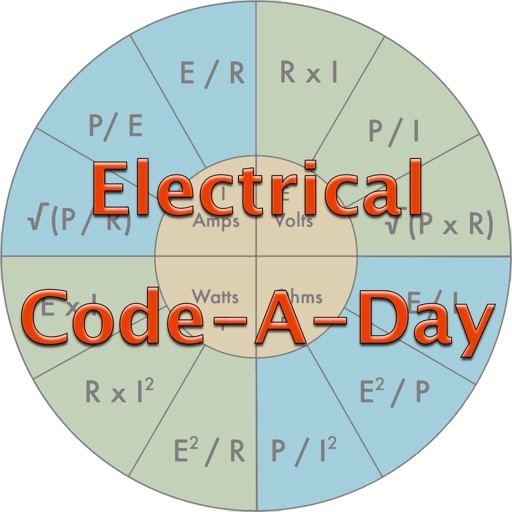
Test knowledge of codes with daily quiz questions. Answer individual questions or complete as many as possible in one session. Includes 366 basic electrician-written questions for apprentices, journeymen, and masters.
Take PTCB exams with tests and learning mode. Practice with 500 questions featuring explanations, user ratings, and comments. Review book outlines and flashcards covering drugs, abbreviations, controlled substances, and math.
Track progress by counting correct or incorrect . Tap scores to reset. Adjust clefs and ledger lines via settings. Generate infinite random for practice.
Japanese with lessons covering On and Kun readings, JLPT levels, and quiz-style practice. Translate between English and Japanese. Review past lessons and listen to audio pronunciations without needing network access.
Access video lectures and integrated quizzes for studies. Review a comprehensive concept library. Prepare for USMLE, COMLEX, NBME, MCAT, and MBBS exams. Track progress with subject-specific content and exam simulations.
Create flashcards from text using AI. Schedule reviews based on performance. Track progress over time. Study subjects like classes, languages, or exams. Adjust review intervals for optimal retention.
The app presents large letters for learning the sign language alphabet. It includes a menu for direct access to specific letters and forward/back buttons for navigation.
Learn vocabulary and pronunciation through interactive flashcards in multiple languages. Practice motor skills with drag-and-drop activities. Complete games to reinforce word recognition and language development.
Create custom sets with unlimited options after upgrading. Color-code flashcards for visual organization. Generate flashcards from notes or topics using AI. Review with spaced repetition and track progress over time.