Access museum information including current and upcoming exhibitions. Explore audio tours of the collection and special exhibitions. Experience 360° virtual tours. Use augmented reality to learn about Makart’s WHO IS WHO.
Learn through structured lessons that cover courses concisely and focus on difficult concepts. Take smart quizzes to assess skills with questions similar to exams. Access recorded lessons and track progress through interactive exercises and feedback.
Access event presentations, exhibitors, and attendee connections. Take notes on slides and draw directly on them. Sync notes with presentation slides during .
Explore biblical history with 3D artifact interactions and virtual tours. Navigate exhibits at home or during in- visits. Access detailed historical information and multimedia content about artifacts.
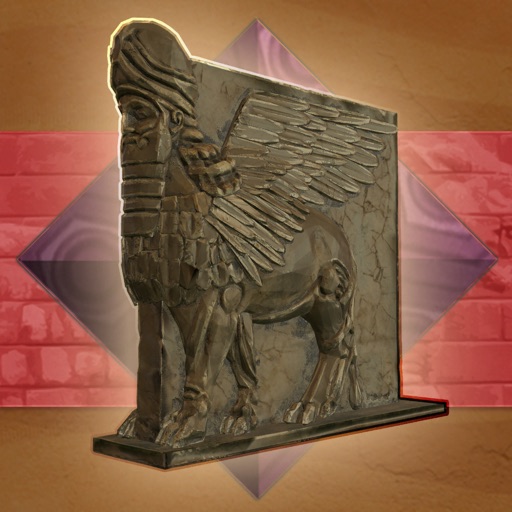
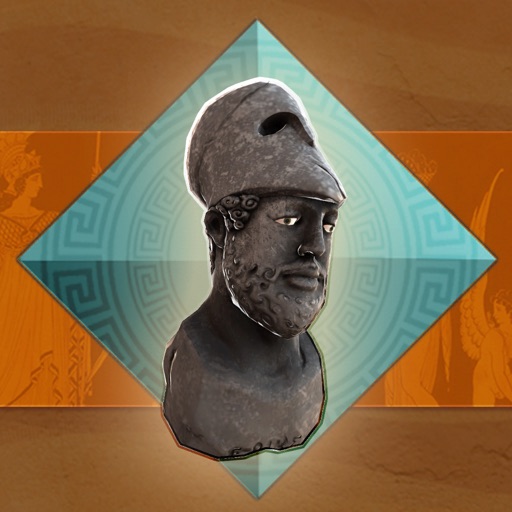
Explore historical artifacts and exhibits through interactive 360-degree views. Navigate through virtual galleries featuring over 6,000 items. Access detailed descriptions and historical context for each exhibit.
Access live stream worship services and view archives of past messages. Receive notifications for upcoming events. Share messages with others and download for offline listening.
Plan trips by browsing activities and attractions based on interests. View local events and add them to a personalized itinerary. Share trip details with friends and family. Use augmented reality features for immersive exploration.
Create and share augmented reality experiences without coding. Scan objects or upload images to trigger interactive 3D content. Design AR scenes, view real-time previews, and share creations via links or social media.