Blur faces in photos and videos using an AI-powered tool. Select areas to blur and apply precise face tracking for accurate results. Choose from multiple blur styles and overlays to customize the effect. Share edited content directly from the .
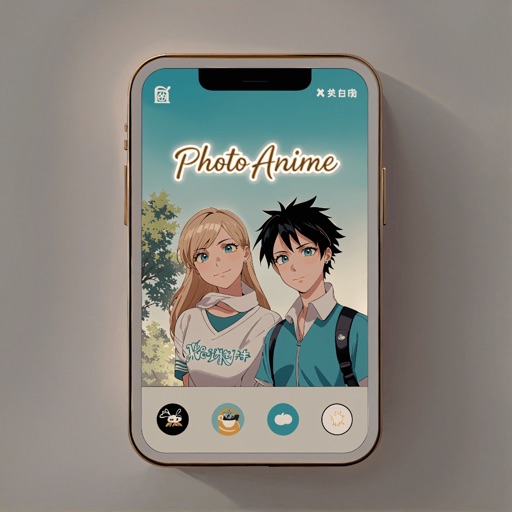
Convert to anime-style artwork using 10+ available styles. Customize transformations with prompts. Save creations to the gallery. Share transformed images directly.
Convert images into the of selected paintings using AI processing. Select an image from the album or camera, choose a painting , apply the transformation, and save or share the result.
Edit photos with color filters, brightness, and contrast adjustments. Add stickers and text. Apply film-inspired presets and advanced camera controls. Export edited images in multiple formats.
Customize iPhone home screen with photo widgets. Select a photo album, add images, and place widgets on the home screen. Widgets automatically update every 60 seconds. Choose from small, medium, or large sizes.
Edit photos by typing descriptions to change outfits, body features, or backgrounds. Adjust specific image parts with AI. Swap objects and modify appearances. Export edited images directly.
Import photos and videos from the past X hours. Transfer multiple files via AirDrop without using cellular data. Convert HEIC images to JPEG for better compatibility. Compress files into a .zip archive. files directly from the .
Edit images by adjusting the color of each using customizable equations. Save or export filters for later use. Access a built-in tutorial to learn how to create and apply filters effectively. Share created filters with other users.